Master Instagram Photography: Tips to Capture Stunning Phone Photos
Master Instagram phone photography in 2026. Practical tips on lighting, composition, and editing to capture stunning photos that grow your brand on Instagram.
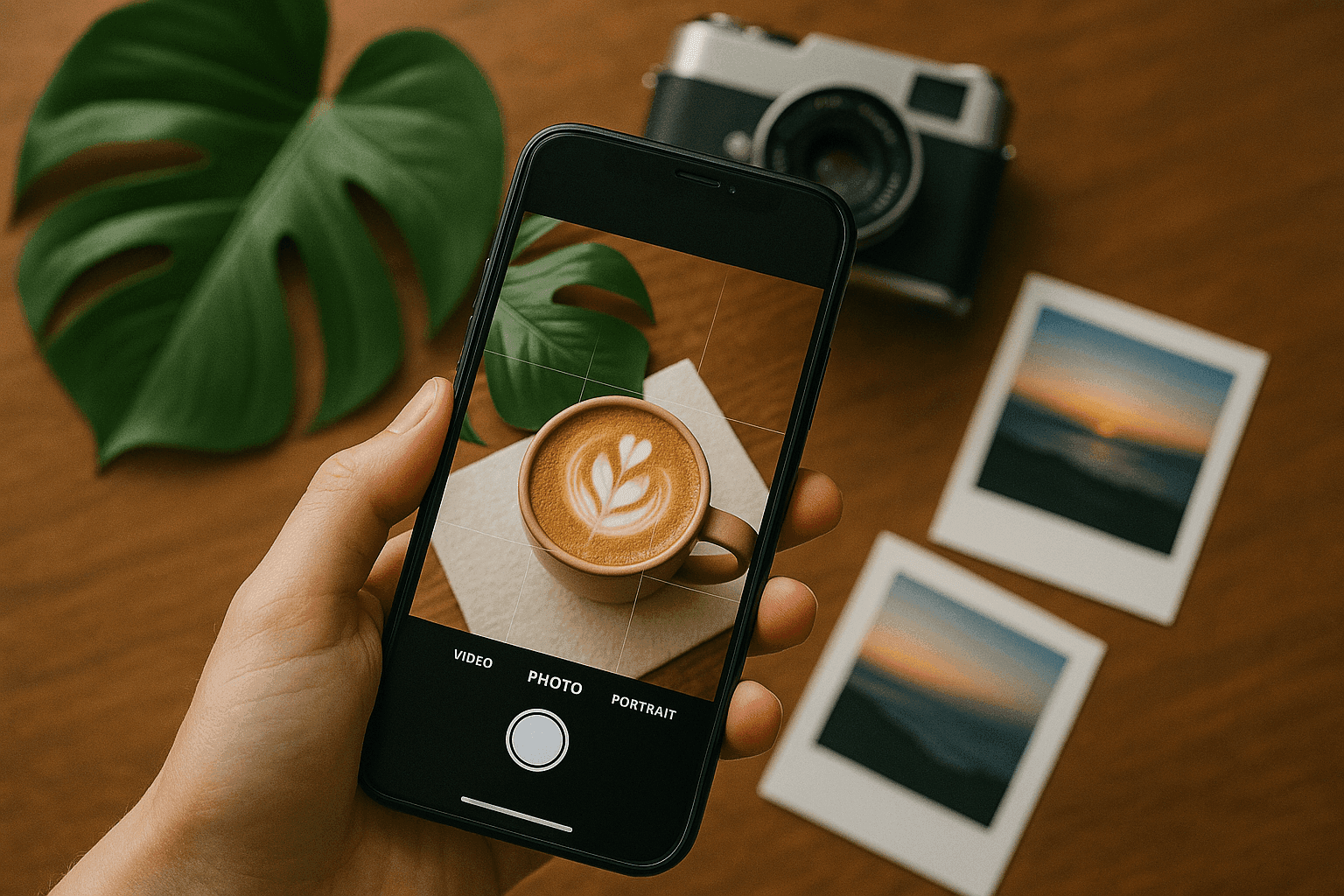
Instagram's power lies in its visual storytelling potential. Captivating images can significantly boost your brand, personal influence, or creative expression. Whether you're an influencer, a small business owner, or a photography enthusiast, mastering phone photography can transform your Instagram presence.
In this article, we’ll dive into essential tips to enhance your Instagram photography skills directly from your phone. Plus, learn how PostFast’s effective cross-posting tools can amplify your reach and visibility.
Why Great Phone Photography Matters
Photography on Instagram isn't about owning expensive cameras but mastering the fundamentals. Each photo shared can tell a powerful story, evoke emotions, and create strong connections with your audience.
Understanding key photography elements such as lighting, composition, and framing can dramatically elevate your visual storytelling abilities. PostFast complements your photography skills by helping your compelling images reach a wider audience through seamless cross-posting across multiple platforms.
Key Tips for Outstanding Instagram Photos
Leverage Natural Lighting
Natural light provides warmth, depth, and authenticity that artificial lights can't replicate. Position your subjects near windows or outdoors to achieve the best possible lighting conditions and avoid harsh shadows.
Timing Makes a Difference
The time of day drastically influences photo quality. Capture photos during the "golden hour," shortly after sunrise or before sunset, for soft, flattering illumination. Cloudy days offer balanced and even lighting, ideal for portraits and product photography.
Mastering Exposure
Control the exposure on your phone by tapping on the brightest part of the frame before shooting. Adjust settings manually to avoid overly bright or dark images, achieving the desired mood.
Rule of Thirds for Balanced Shots
Use the rule of thirds to frame your shots by visualizing your screen divided into thirds. Position your subject along these imaginary lines or their intersections to create dynamic, balanced compositions.
Get Creative with Angles
Experiment beyond typical eye-level perspectives. High or low angles offer fresh, intriguing viewpoints that can significantly enhance the visual interest of your photos.
Intentional Framing
Frame your subject intentionally, using negative space to highlight the focal point. Avoid digital zoom, as it can degrade image quality and clarity.
Direct Attention with Leading Lines
Incorporate natural lines, such as paths or fences, to guide the viewer's eye through your photo, adding depth and direction.
Understand Your Phone Camera Settings
Familiarize yourself with your phone’s advanced camera settings, including manual modes, portrait mode, and HDR, to expand your creative possibilities and produce professional-looking photos.
Activate Gridlines
Enable gridlines on your phone camera to apply the rule of thirds effortlessly, resulting in well-balanced and visually appealing photos.
Depth of Field Matters
Control focus and depth of field to emphasize your subject and blur backgrounds creatively, giving your images professional depth and clarity.
Maximize Your Instagram Impact with PostFast
Taking incredible photos is just the beginning. Amplify your impact by effectively distributing your visuals across various platforms. PostFast's cross-posting tools simplify your content management, allowing you to effortlessly engage wider audiences without spending extra time manually posting.
Whether you're an influencer or brand, PostFast helps you efficiently manage and grow your online presence, ensuring every stunning photo gets the recognition it deserves.
Wrap-Up
By mastering these phone photography techniques and leveraging PostFast's seamless cross-posting features, you’ll transform your Instagram presence and captivate your audience. Capture moments, tell your story, and elevate your Instagram photography today!
Discover more at PostFast.
Related articles

Best Time to Post on Social Media in 2026: 61,008 Posts Scored Against Their Own Normal
61,008 posts with clean metrics, each scored against its account's normal: Instagram 3 PM local, Facebook 3 to 5 PM, YouTube 1 PM or evenings, TikTok flat.

PostFast MCP Server for Claude, ChatGPT and Cursor: Launch Notes and Changelog (2026)
The launch note for PostFast's MCP server: npm release March 2026, ChatGPT and Claude connectors June 2026, inbox tools August 2026. Setup, tools and changelog.

Can You Schedule Posts on Bluesky? How to Schedule Bluesky Posts in 2026
Yes, with a scheduling tool: Bluesky's own app has no scheduler. What Bluesky offers, the 300-grapheme and media limits, and how to schedule with PostFast.

Can You Schedule Posts on LinkedIn? How to Schedule LinkedIn Posts for Profiles and Pages in 2026
Yes. LinkedIn schedules posts 10 minutes to 3 months ahead (1 hour on Pages). Desktop, mobile, and Page steps, plus where PostFast goes further.

How to Schedule Pinterest Pins in 2026: Pinterest's Scheduler vs PostFast, Step by Step
Two ways to schedule Pinterest Pins: Pinterest's own scheduler (30 days ahead, 10 Pins queued) and PostFast for image, video, and multi-image Pins from desktop.

Best Social Media Schedulers in 2026: 11 Tools Compared on Price, Platforms, and Automation
Eleven social media schedulers compared on September 2026 pricing, platforms, auto-publishing, and API or MCP automation, using each vendor's own pricing page.