Dimensions for instagram profile picture: Your Guide to a Standout Profile
Discover the right dimensions for instagram profile picture to maximize visibility and engagement on Instagram. Practical, quick tips for a flawless profile.
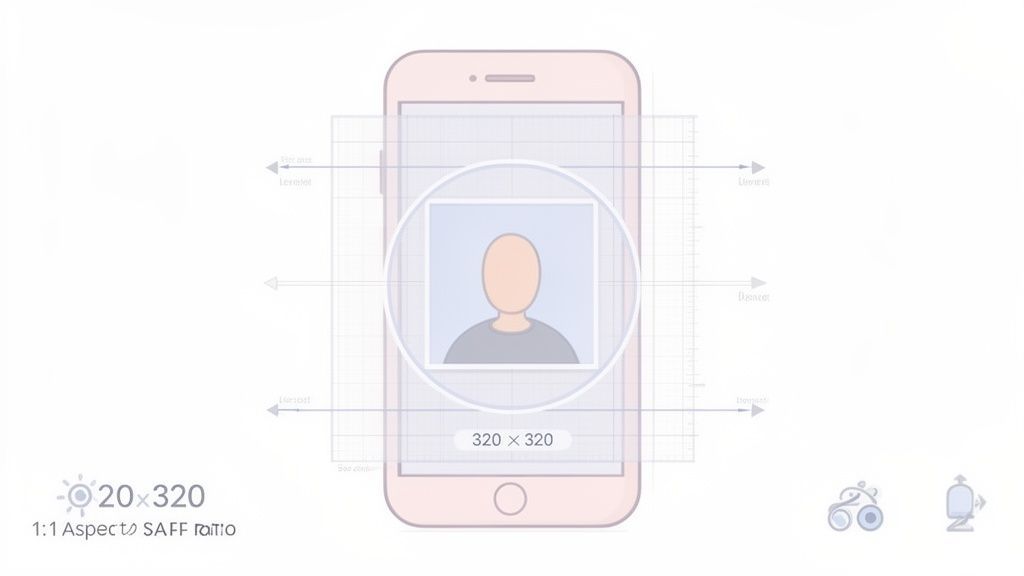
Let's get straight to it. Your Instagram profile picture needs to be 320 x 320 pixels. That’s the ideal size for 2026.
Uploading a square image at this exact resolution helps your picture look sharp everywhere, without odd cropping or blurriness. Since it's the first thing people see, you want it to be perfect.
Your Quick Guide to Instagram PFP Dimensions
Your profile picture is your digital handshake. It’s often the first impression you make, so getting the dimensions right is a must.
The optimal size is a 320 x 320 pixel square, which works out to a 1:1 aspect ratio. Sticking to this ensures your image is crisp on mobile feeds, your main profile page, and even on a desktop browser. Because Instagram crops the final image into a circle, always make sure your face or logo is right in the center. This avoids any awkward cut-offs.
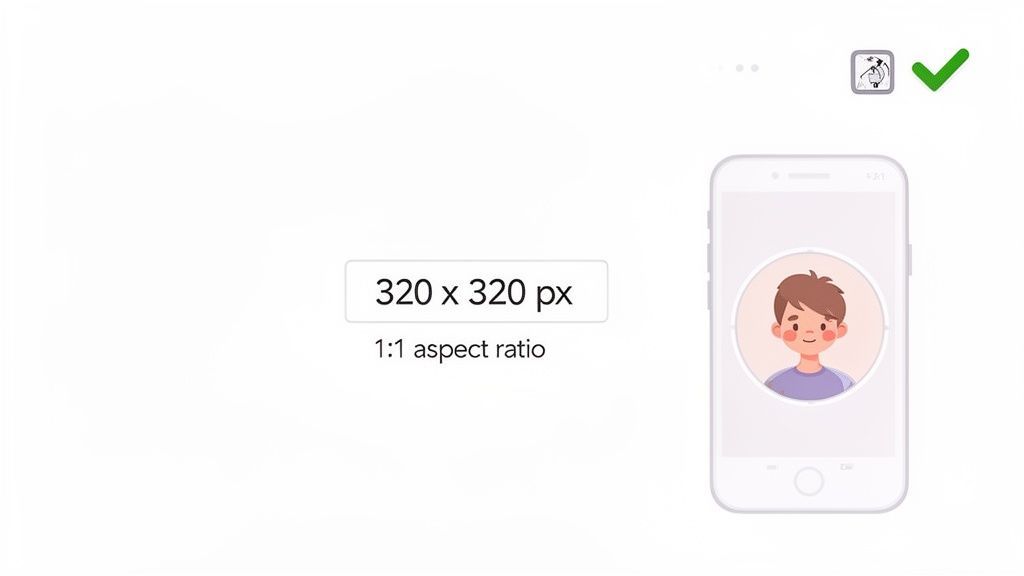
If you’re using a scheduler like PostFast, uploading at the correct resolution from the start means your brand’s first impression always looks great. You completely avoid common issues like fuzziness or parts of your logo getting chopped off, which can make a profile feel unprofessional.
For a deeper look, check out our complete guide to all Instagram image sizes to keep your entire feed looking clean.
Why The Right Dimensions Are Crucial
Your profile picture is your digital handshake on Instagram. It’s often the very first thing people see. Getting the dimensions right isn't just a technical task, it's a strategic one. A sharp, clear image builds instant credibility and stops you from looking amateur with a blurry or badly cropped photo.
Nailing the optimal dimensions for your profile picture is essential to creating a strong, recognizable presence. Think of it as a key piece of your brand's visual identity. It sets a standard of quality that should carry through all the content you create.
In a competitive market like Bulgaria, with its 1.70 million active users, a pixel-perfect picture can give you a real edge. In fact, local studies show that a high-quality image can boost follow-back rates by as much as 15-20%. That’s a significant advantage, especially for brands trying to connect with the dominant 25-34 age group. You can dig deeper into this growing user base and find more insights on Bulgarian digital trends.
Technical Specs Beyond Just Size
Getting the pixel count right is only half the job. If you want your profile picture to look flawless, you also need to think about the technical details, like the file format and its size. These specs have a huge impact on how sharp and professional your image appears after Instagram applies its compression.
So, should you use a JPG or a PNG? As a general rule, JPG is usually the best choice for photographs. It gives you a great balance between image quality and a small file size. On the other hand, PNG is perfect for logos or any graphic with sharp lines, especially if you need a transparent background.
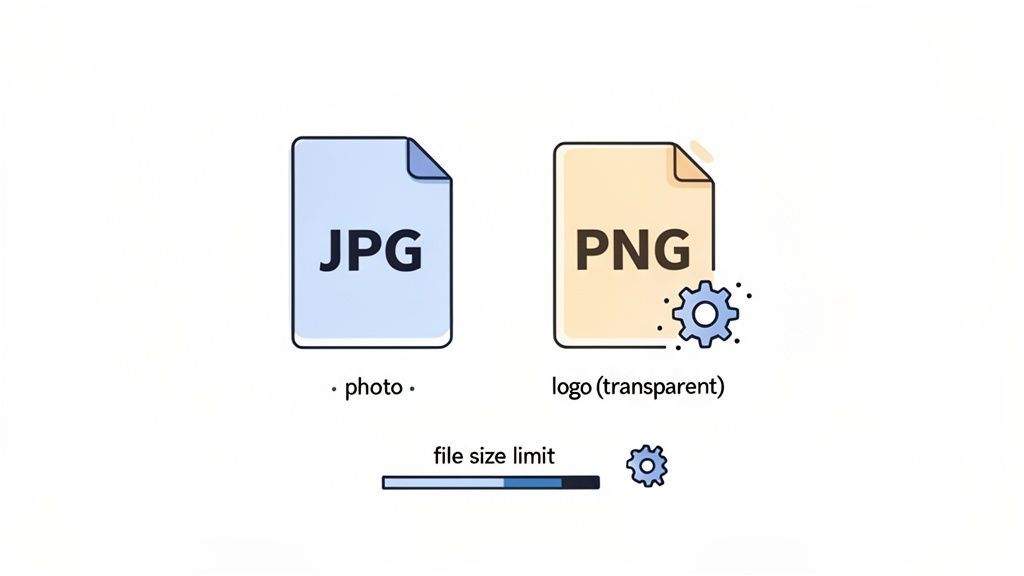
Nailing these kinds of specs is important for more than just your profile picture; it applies to all your social media visuals. For a deeper look into how dimensions and aspect ratios work for video content, this guide to video dimensions and aspect ratios is a really helpful resource. Paying attention to these small details is what ensures your content always looks its best.
Navigating the Circular Crop Safe Zone
Instagram displays every profile picture as a circle, which means the corners of your square image always get cut off. This is why understanding the circular crop safe zone is so important for getting your profile picture just right.
Even if you upload a perfect 320 x 320 pixel square, key parts of the image can disappear if they're too close to the corners. The trick is to keep your main subject, whether it's your face or your brand’s logo, right in the center of the frame. Imagine a circle drawn inside your square canvas; anything outside that circle will be invisible. This simple step prevents your logo's text from being sliced in half or the top of your head from being cropped out.
A quick pro tip: use a visual template before you upload. Just place a circle overlay on your square image in any design tool to see exactly what will be cut. This check ensures your final picture looks intentional and professional, not like a mistake.
This whole concept of a safe zone is crucial for other Instagram formats, too. You can learn more about how it works for video by reading our guide on Instagram Reel cover sizes and safe zones.
Okay, let's get that profile picture looking sharp. Here’s a quick guide to preparing and uploading your image so it looks professional everywhere on Instagram.
Creating and Uploading Your Perfect Profile Picture
Now that you know the specs, let's put it all into practice. Getting your profile picture just right only takes a minute when you know the steps.
Start by picking a high-quality photo. Using an editor you're comfortable with, crop it into a perfect square at 320 x 320 pixels. This is the ideal size for a clean upload. Before you save, take a moment to visualize how it will look once Instagram applies its circular mask.
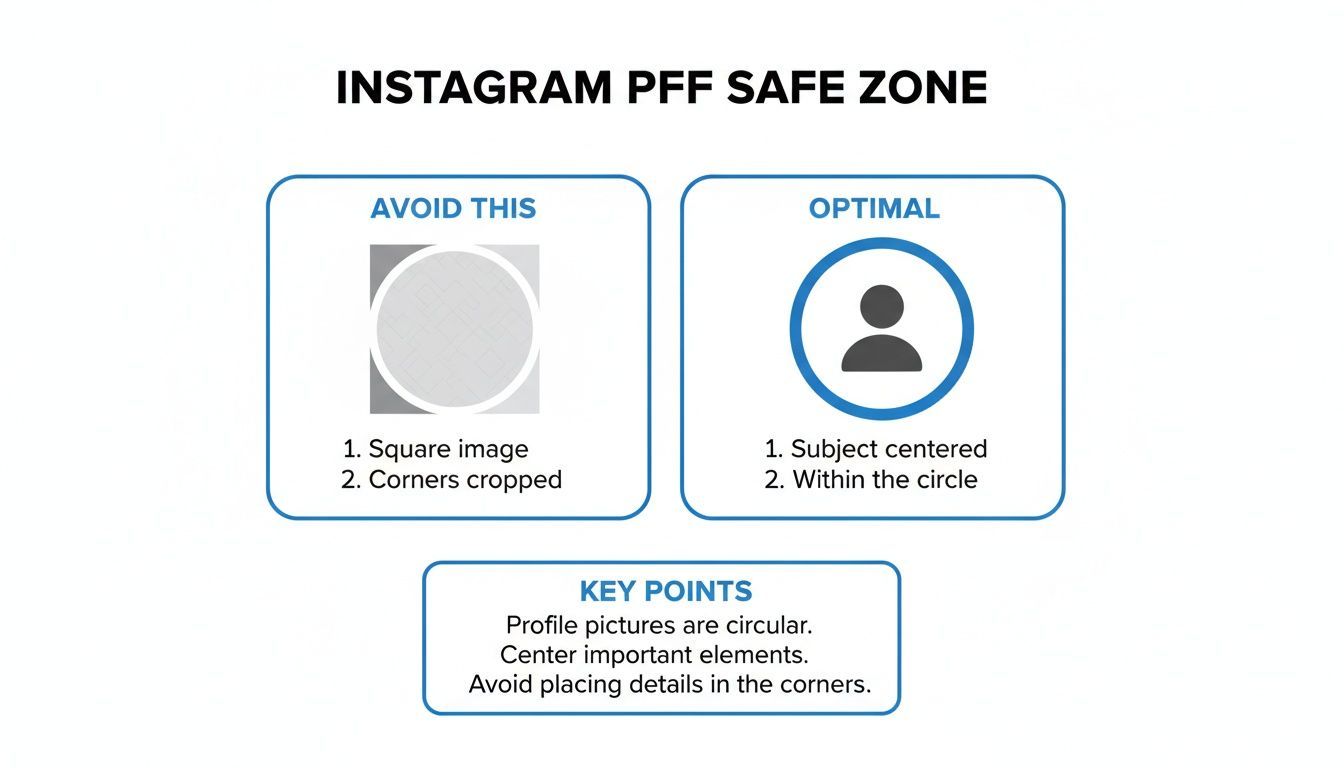
As you can see, the corners of your square image will always get clipped. That’s why it’s so important to keep your main subject right in the center. Once you’re happy with the framing, you’re ready to upload it from either your phone or computer.
And if you ever need to get a copy of an existing profile picture from another account, we have a simple walkthrough on how to download Instagram images.
For creators and social media managers juggling multiple accounts, a tool like PostFast makes this process much easier. You can keep your perfectly sized 320 x 320 px profile picture in a shared content library, making it simple to deploy across all your profiles to maintain brand consistency without the extra work.
Common PFP Mistakes and How to Avoid Them
Getting your Instagram profile picture dimensions right is a great start, but a few common slip-ups can still weaken that first impression. It happens more often than you'd think.
One of the biggest errors is uploading a low-resolution or blurry image. It’s an instant red flag that can make a brand feel unprofessional. You should always start with a sharp, high-quality photo. There are no exceptions here.
Another frequent mistake is choosing a picture that’s just too busy. Your profile picture is tiny, especially on a phone, so a clean and simple image is always more effective. A cluttered background or too many elements will just look like a jumbled mess. Clarity is key.
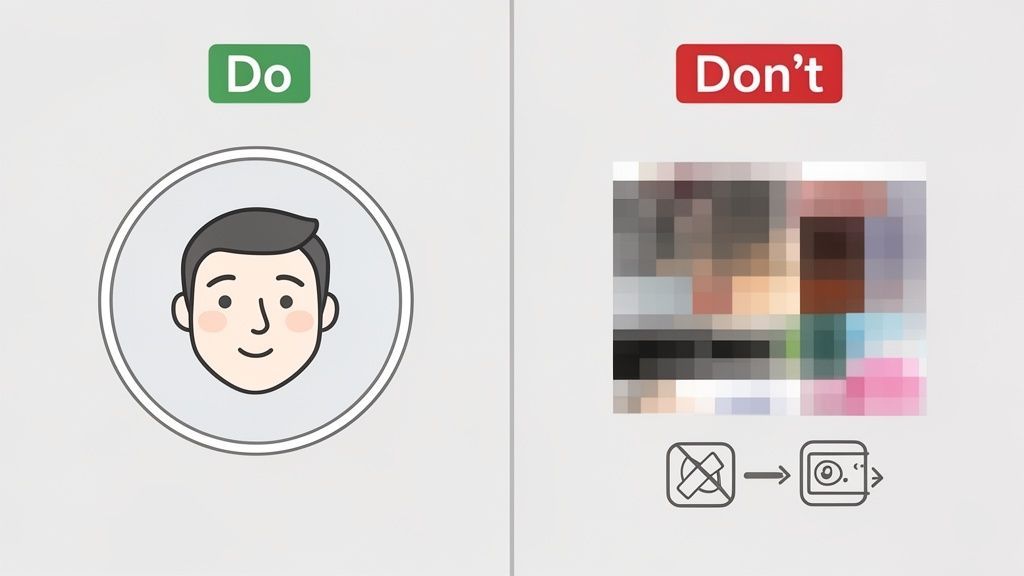
Don't forget the circular crop! We see so many brands design a perfect square logo, only to have key parts chopped off by Instagram’s circular frame. Always make sure your main subject is right in the center to avoid this.
Finally, think about consistency. Your profile picture has to align with your brand’s overall look and feel. It should use your brand colors and feel like it belongs with the content on your feed.
Instagram Profile Picture FAQ
Got a few last questions about getting your Instagram profile picture just right? Let's clear up the common issues so your image looks sharp.
What Is the Best Resolution for an Instagram Profile Picture?
Always upload an image that’s 320 x 320 pixels. Instagram displays it at smaller sizes on different devices, but uploading at this resolution ensures the best possible quality. It helps your picture survive the platform's compression without looking blurry or pixelated.
Can I Use a Rectangular Image?
No, you can't. Instagram will force you to crop any non-square image into a 1:1 aspect ratio when you upload it. It's much better to prepare your square image ahead of time so you have full control over the final crop.
How Do I Make My Instagram PFP Not Blurry?
To avoid blurriness, always start with a high-quality, sharp source image and make sure you export it as a 320 x 320 pixel file. A blurry result almost always comes from using a photo that was low-resolution to begin with.
Ready to perfect your entire social media presence? With PostFast, you can schedule all your perfectly sized content in one place, ensuring your brand looks professional everywhere, every time. Get started with PostFast today.
Related
Instagram scheduling with PostFast
Feed posts, Reels, Stories, carousels
Schedule Instagram Carousels and Reels Without Busywork
Schedule Instagram carousels, Reels, Stories, and feed posts with PostFast. Batch once, set covers, and cross-post to Facebook and TikTok without extra work.
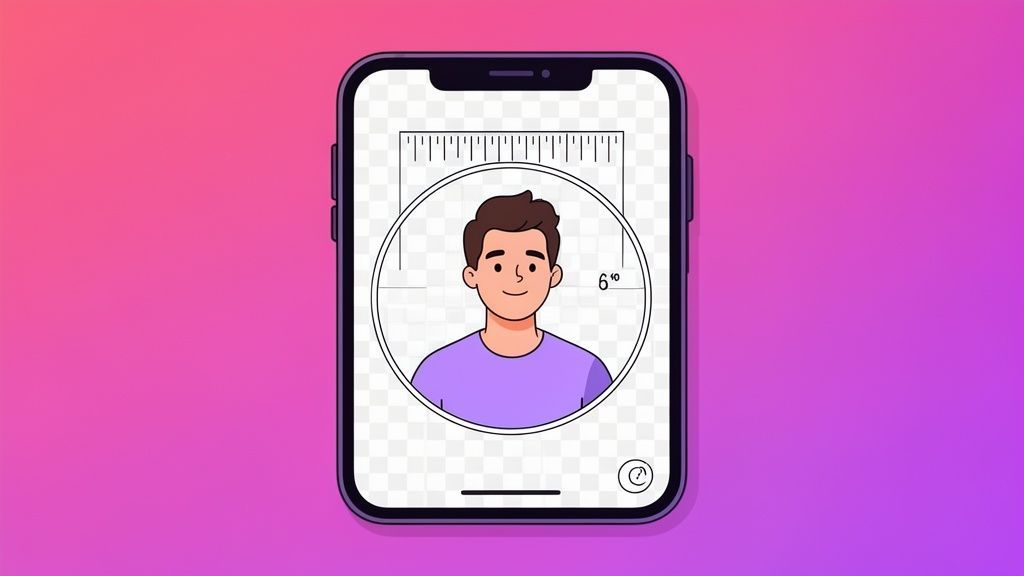
Your Guide to the Perfect Instagram Profile Picture Size
Get the recommended Instagram profile picture size for a flawless look. Our 2026 guide covers dimensions, cropping, and tips to make your profile stand out.
Master the Instagram Story Size: Your Complete 1080x1920 Guide
Discover the instagram story size you need for flawless 1080x1920 videos. Learn dimensions, safe zones, export tips, and boost engagement today.
The Ultimate Guide to Instagram Stories Size
Master the correct Instagram Stories size with our guide to dimensions, aspect ratio, and safe zones. Create pixel-perfect content that looks professional.
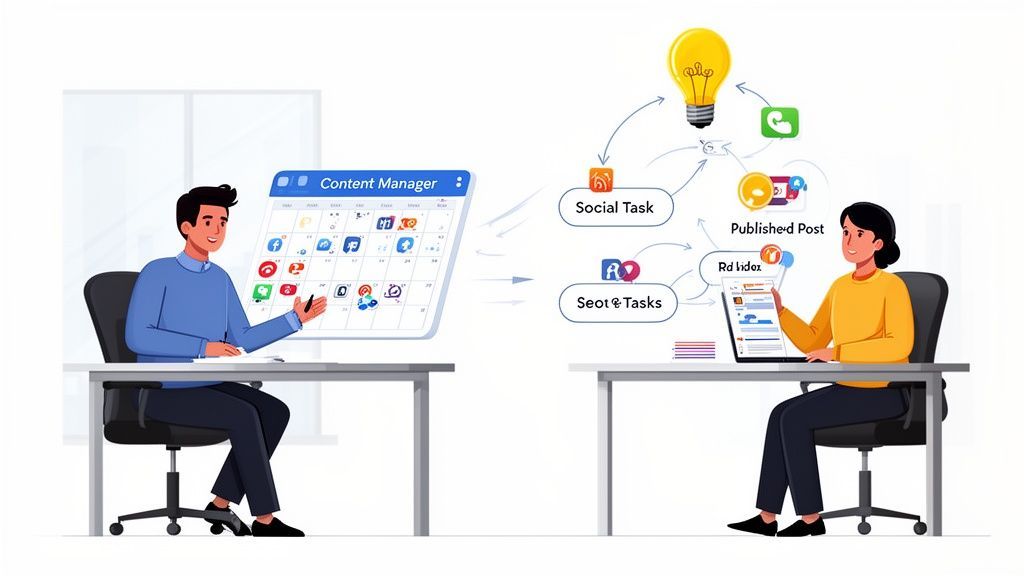
Your Guide to Hiring a Content Manager Assistant
Unlock growth by hiring a content manager assistant. This guide covers essential roles, skills, tools, and the exact steps to find and onboard the perfect fit.
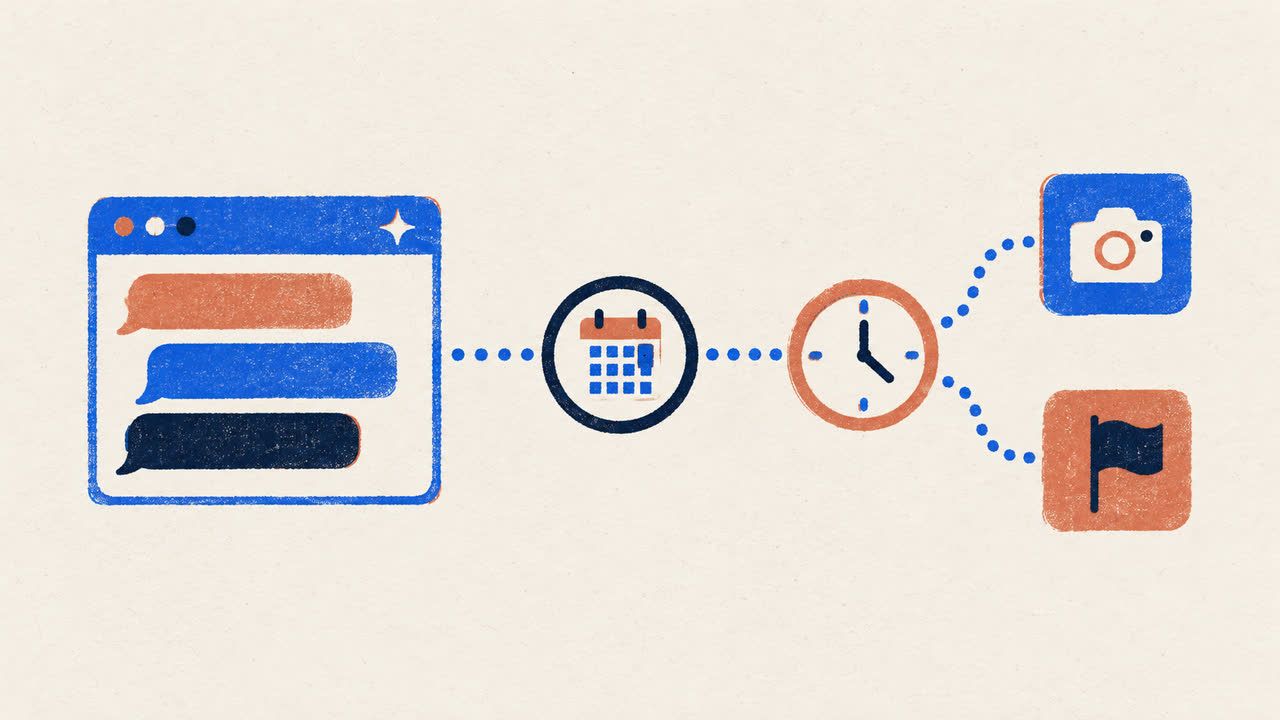
Can ChatGPT Post to Instagram and Facebook? Yes, Here Is How
Yes, with a connected app. Use PostFast to schedule Instagram and Facebook posts, Reels and Stories from ChatGPT, with approval before publishing.