Anonymous Instagram Story Views: Will They Know?
What the poster actually sees when you view their Instagram story, which anonymous methods leave a trace, and how to check safely without risking your account.
On this page (11)
If you have ever hesitated before tapping someone's Instagram story, the question underneath is usually simple: will they know it was me? The honest answer depends entirely on how you look, and several of the methods people still recommend stopped hiding you a while ago. Here is what the person on the other end actually sees.
What the Poster Actually Sees
Before worrying about hiding, it helps to know what is being hidden from.
When someone posts a story, Instagram shows them a list of usernames who viewed it. They see it by opening their own story and swiping up. The list is available while the story is live for 24 hours, and for a short window after it expires.
That is the whole mechanism. There is no timestamp shown, no count of how many times you watched, and no indication of how long you looked. Just a name in a list.
How the Viewer List Is Ordered
This is where most of the folklore lives, so it is worth being precise.
- Under roughly 50 viewers, the list is essentially reverse chronological. The most recent viewer sits at the top.
- Above roughly 50 viewers, Instagram switches to an engagement-weighted order. Accounts that interact with the poster more often tend to surface higher.
The persistent myth is that whoever sits at the top of the list is secretly obsessed with you. On a small story they simply watched most recently. On a larger one they engage with your content often. Neither is the thing people imagine.
What the Poster Cannot See
- How many times you watched. Repeat views do not increment anything visible.
- Whether you screenshotted. Instagram does not notify for story screenshots.
- How long you watched. Partial views and full views look identical.
Knowing this changes the calculation. For a lot of people the worry is out of proportion to what is actually exposed, which is one username in a list nobody scrutinises for long.
Which Methods Actually Leave a Trace
Here is the current state of each approach, which matters because most guides on this topic have not been rechecked in years.
| Method | Leaves a trace? | Notes |
|---|---|---|
| Third-party story viewer | No | The service requests the story from its own servers. Your account is never involved. Public accounts only. |
| Separate account | No, not your main one | The view is real and logged, just under a username that means nothing to them. |
| Airplane mode | Usually yes, now | Instagram queues the view and syncs it when you reconnect. |
| Half-swipe | Often yes | Shows only the first frame as a still image, and a slightly long swipe registers a full view. |
Why Airplane Mode Stopped Being Reliable
The trick relied on Instagram reporting a view live. If the device was offline, no report, no view.
The app no longer behaves that way. It stores the interaction locally and sends it once connectivity returns, so the view arrives late rather than never. From the poster's side there is no difference.
You will still find people who say it worked for them recently, and they are probably right. Rollouts are gradual and behaviour varies by app build. That inconsistency is the point: a method that works sometimes, for some people, on some versions, is not something to rely on when you actually care about the outcome.
For the full walkthrough of the methods that do still work, along with how to pick between them, see our guide to viewing Instagram Stories anonymously.
Viewing Instagram Stories Privately: What That Actually Means
"Privately" gets used for two completely different things, and conflating them is why people end up on scam sites.
Meaning one: viewing without your name appearing. This is achievable on public accounts, using a third-party viewer or a separate account. Ordinary, and covered above.
Meaning two: viewing a private account's stories without following. This is not achievable, by any method, at any price.
Why Private Accounts Are a Hard Wall
When an account is private, Instagram's servers only serve its stories to approved followers. The check happens server-side. There is nothing in the app, the browser, or a third-party tool that sits between you and that decision.
A third-party viewer makes the same unauthenticated request you would, and gets the same refusal.
What "Private Story Viewer" Sites Actually Do
Sites advertising private access generally run one of three plays:
- Harvest your login. You enter your Instagram credentials, they take the account.
- Endless verification. A loop of surveys and app installs that pays them per completion and never delivers.
- Show nothing. Collect the ad impression from your visit and move on.
If you get approved as a follower, you can see the story, and your view is logged exactly like everyone else's. That is the only route in, and it is not anonymous.
Highlights, Close Friends, and Where the Rules Change
Stories are not one uniform thing, and the viewer rules shift depending on what you are looking at. This is where most confusion on the topic comes from.
Highlights Behave Differently
A Highlight is a story the poster saved permanently to their profile. The key difference:
- For the first 24 hours, a story added to a Highlight still shows the poster a viewer list, same as normal.
- After 24 hours, the viewer list is gone. The poster can see that the Highlight has views, but not who those views belong to.
This is genuinely useful to know. Viewing an old Highlight is effectively anonymous by default, no tools required. If the content you want is more than a day old and sitting in a Highlight, you can simply watch it.
Close Friends Stories
A story posted to the poster's Close Friends list carries a green ring and is visible only to accounts on that list.
- If you can see it, you are on the list. There is no way to be on it accidentally.
- Your view appears on their list like any other, and it is a much shorter list, so it is considerably more visible.
- No third-party viewer can reach Close Friends content. It is served only to listed accounts, so an unauthenticated request gets nothing.
The practical read: a Close Friends view is the most visible kind. Small audience, and the poster chose every name on it.
Business and Creator Accounts See More
If the poster runs a Business or Creator account, they get story insights beyond the viewer list: reach, impressions, navigation taps, exits, and replies.
Worth being precise about what that does and does not expose. The extra metrics are aggregate. They tell the poster that 40 people tapped forward, not that you specifically did. The only per-person data remains the viewer list itself. So a Business account does not see more about you, it sees more about the story's overall performance.
What Happens If You View by Accident
There is no undo. Instagram provides no way to withdraw a story view, and the list updates within seconds.
Blocking the person hides your name while the block is active, but it reappears on unblock and blocking is far more noticeable than the view was. Deleting the app, deactivating, or going offline afterwards changes nothing, because the view has already registered.
The realistic options are to wait for the story to expire within 24 hours, or to reply and turn it into an ordinary interaction. On any story with a decent number of viewers, your name is one row in a list that reorders by engagement anyway.
Using Third-Party Story Viewers Safely
For public accounts, these are the practical option. The service fetches the public story and relays it to you, so your username never enters the transaction.
How to Tell a Safe One From a Dangerous One
- It never asks for a login. This is the single reliable test. A legitimate viewer needs a username to look up, never a password. Any site asking for yours is phishing.
- It has a real privacy policy. Check what is collected and whether browsing data is sold on.
- Its ads behave. Free tools carry ads. Forced redirects, fake download buttons, and pop-ups that hijack the back button are a different category.
- It still works. These services break when Instagram changes its infrastructure. Abandoned ones fail quietly with "no stories found".
One rule, no exceptions: never enter your Instagram password into a third-party story viewer. There is no legitimate reason for one to want it.
Navigating the Security Risks
Viewing public content is low risk to you. The risk lives in the sites themselves, many of which are advertising businesses with a story viewer attached. Instagram is used by over two billion people monthly according to Statista, which makes this a lucrative niche and explains the volume of low-quality entrants.
Story Views vs Profile Views: Two Different Things
A large share of the anxiety around this topic comes from mixing up two features that work nothing alike.
| Story views | Profile views | |
|---|---|---|
| Does Instagram track it? | Yes | No, not for individuals |
| Can the owner see names? | Yes, for 24 hours | No |
| Does any app reveal it? | Not needed, it is built in | No. Every app claiming this is lying |
Instagram does not tell anyone who viewed their profile. There is no feature, no setting, and no partner API that exposes it. Business and Creator accounts get an aggregate reach number, and that is the extent of it.
This matters here because the two get conflated constantly. People worry that viewing a story exposes them to profile-level tracking. It does not. The story view is logged, and that is the only thing logged.
Why "Who Viewed My Profile" Apps Are Always Scams
Since the data does not exist, any app offering it has to be doing something else:
- Taking your login and using the account, often to follow or like on your behalf.
- Charging a subscription for numbers that are simply invented.
- Showing you your own followers reordered, presented as "profile visitors".
If you want the full breakdown of what Instagram actually reports, our guide to who views your Instagram profile covers it.
What Anonymous Viewer Sites Know About You
Everyone asks whether the poster can see them. Almost nobody asks what the viewer site itself collects. It is the more relevant privacy question, because that is where your data actually goes.
What They Can See Without You Logging In
Even with no account and no login, a viewer site receives:
- Your IP address, which gives approximate location and your internet provider.
- Your browser fingerprint: user agent, screen resolution, timezone, language, fonts. In combination this is often unique enough to recognise you across visits without cookies.
- Every username you look up, tied to that fingerprint. Over repeated visits this builds a list of exactly who you are interested in.
- Referrer data, showing what you searched to arrive.
That last pairing is the one worth sitting with. A site that sees the same fingerprint search the same handful of usernames repeatedly has assembled a fairly specific profile of someone, even though that someone never logged in.
Where That Data Goes
Most of these sites are advertising businesses. The typical stack includes an ad network, an analytics provider, and often a data broker relationship. The privacy policy, when there is one, usually permits sharing with "partners" without naming them.
Reducing the Exposure
- Use a private window, which limits persistence between sessions but does not defeat fingerprinting.
- Vary which site you use so no single one accumulates your full lookup history.
- Use a VPN if the IP matters to you.
- Prefer a secondary Instagram account for anything ongoing. It sounds counterintuitive, but giving a real view to Instagram, which already has your data, can leak less than handing a lookup history to an anonymous ad-funded site.
The irony of the category: tools sold on privacy frequently collect more about the person using them than about the person being viewed.
Creating a Secondary Account for Long-Term Anonymity
If you check the same accounts regularly, a separate profile beats any trick. It does not break when Instagram ships an update, and it does not require trusting an unknown website.
Setting It Up Properly
- Register with a separate email that has no connection to your personal or work identity.
- Skip the contact import. Letting Instagram sync your contacts is the fastest way to have it suggested to exactly the people you were avoiding.
- Leave the profile sparse but not empty. Fully blank accounts read as bots and get less reach.
- Do not follow your own main account. It is the most common way these get connected.
Staying Under the Radar
The account will appear on viewer lists, just under a name that means nothing. If you follow a lot of accounts in the same niche, expect Instagram's suggestions to eventually surface it to people in that niche. It is discretion, not invisibility.
Privacy, Ethics, and Smarter Alternatives for Creators
Anonymous viewing is a legitimate research habit. It is not a licence to monitor a person.
A public profile does not make the content impersonal. A brand studying a competitor's campaign is normal market research. Quietly tracking one individual's daily life is not, whatever tool makes it possible.
From Guesswork to Data-Driven Decisions
If you are checking competitors to understand what works, anonymous viewing is a weak instrument. You see what they posted, not what performed. Your own analytics tell you more about your audience than any amount of watching someone else's stories will.
If you want to understand what Instagram genuinely reports about who is looking at you, our guide to who views your Instagram profile separates the real features from the myths.
The Professional Edge
For brands and agencies, keep the actual work inside tools you control. Scheduling and publishing belong in a platform like PostFast rather than a rotating set of unvetted websites, with accounts connected through the official Instagram integration. Getting your own stories sized correctly matters too, which the Instagram Stories size guide covers, and teams automating at volume can work through the Instagram Stories API guide.
Frequently Asked Questions
Can someone see if I use a website to view their story?
No. The site requests the story from its own servers, so your username is never attached to the view. This only works for public accounts.
Is it illegal to view stories anonymously?
No. Viewing something published publicly is not illegal. Some third-party tools do breach Instagram's terms of service, which is between those tools and Instagram. Using anonymous viewing to follow or harass someone is a separate matter and not a grey area.
Do anonymous viewers work for private accounts?
No, and nothing else does either. Approved followers only, and their views are always recorded.
Does the viewer list order tell me anything?
Below roughly 50 viewers it is reverse chronological, so the top slot is just whoever watched most recently. Above that it is engagement-weighted. Neither ordering means what people usually assume.
Will the person get a notification if I screenshot their story?
No. Instagram does not notify for story screenshots. Disappearing photos and videos sent directly in DMs are the exception, and they behave differently.
The short version: the poster sees one username in a list, for about a day, in an order that usually means less than people think.
Related articles
Best Time to Post on Social Media in 2026: 61,008 Posts Scored Against Their Own Normal
61,008 posts with clean metrics, each scored against its account's normal: Instagram 3 PM local, Facebook 3 to 5 PM, YouTube 1 PM or evenings, TikTok flat.
PostFast MCP Server for Claude, ChatGPT and Cursor: Launch Notes and Changelog (2026)
The launch note for PostFast's MCP server: npm release March 2026, ChatGPT and Claude connectors June 2026, inbox tools August 2026. Setup, tools and changelog.
Can You Schedule Posts on Bluesky? How to Schedule Bluesky Posts in 2026
Yes, with a scheduling tool: Bluesky's own app has no scheduler. What Bluesky offers, the 300-grapheme and media limits, and how to schedule with PostFast.
Can You Schedule Posts on LinkedIn? How to Schedule LinkedIn Posts for Profiles and Pages in 2026
Yes. LinkedIn schedules posts 10 minutes to 3 months ahead (1 hour on Pages). Desktop, mobile, and Page steps, plus where PostFast goes further.
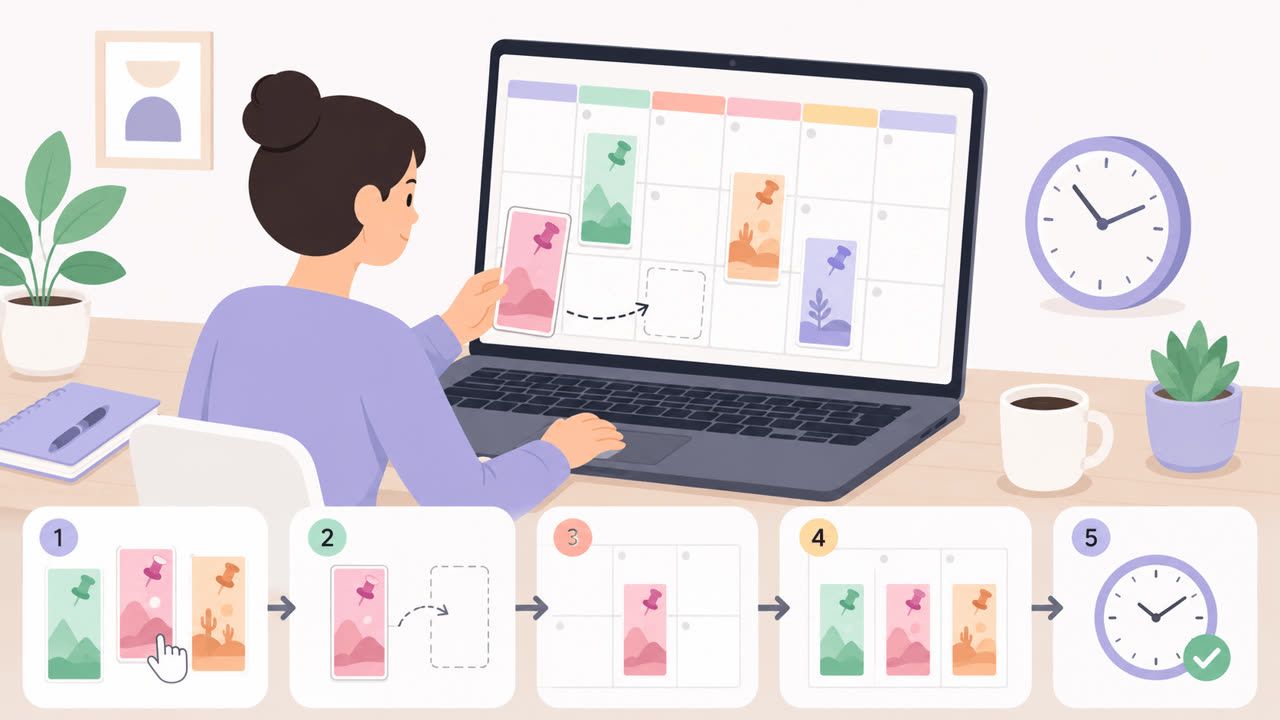
How to Schedule Pinterest Pins in 2026: Pinterest's Scheduler vs PostFast, Step by Step
Two ways to schedule Pinterest Pins: Pinterest's own scheduler (30 days ahead, 10 Pins queued) and PostFast for image, video, and multi-image Pins from desktop.
Best Social Media Schedulers in 2026: 11 Tools Compared on Price, Platforms, and Automation
Eleven social media schedulers compared on September 2026 pricing, platforms, auto-publishing, and API or MCP automation, using each vendor's own pricing page.