Best Time to Post on TikTok on Friday (2025): Creator-Centric Guide
Find the best time to post on TikTok on Friday in 2025 with audience-local windows, simple testing steps, and an easy scheduling flow in PostFast.

Friday behavior is different, people wrap up school or work, then scroll. Use that shift to test late afternoon and evening windows. Keep the times audience-local, then double down on what actually performs.
Table of Contents
- What you can schedule on TikTok on Friday
- Scheduling flow in PostFast
- Cross posting to other platforms
- Comparison: built-in scheduler vs PostFast
- Specs that keep posts clean
- Troubleshooting
- FAQ
- Copyable checklists
What you can schedule on TikTok on Friday
- Short videos with captions and hashtags
- Photo posts
- Private drafts for testing hooks
- Multiple slots across the day to compare engagement
Start with a simple test plan: early morning, lunch, after work, and late evening, all in your audience’s time zone.
Scheduling flow in PostFast
- Connect the TikTok integration.
- Write your caption, add hashtags, attach the video or photos.
- Pick Friday, choose two to four test windows, and save.
- PostFast works on desktop and mobile, so you can tweak times quickly from anywhere.
- After posts go out, mark winners on your calendar for next week.
Cross posting to other platforms
Turn your winning Friday slot into a quick cross post:
- Recut or trim for Instagram integration.
- Reformat for horizontal shorts on YouTube integration.
- If you automate anything, keep notes in your project and review limits in the API docs.
Comparison: built-in scheduler vs PostFast
| Feature | TikTok built-in scheduler | PostFast |
|---|---|---|
| Platforms | TikTok only | Multi-platform, TikTok plus others |
| Best-time testing | Manual slots | Saved test windows, calendar view |
| Works on desktop and mobile | Limited | Yes |
| Team workflow | Basic | Notes, statuses, reuse templates |
| Video handling | Meets TikTok limits | Auto pre-checks and transcodes |
| Cross posting | No | Yes |
Specs that keep posts clean
- Choose a frame from the video.
- PostFast processes each video before publishing so files meet platform specs.
- Times are audience-local. If your followers span time zones, schedule duplicates for each region.
- Re-test daylight saving weeks.
Troubleshooting
- Post is stuck in queue: confirm your TikTok connection, then retry the slot.
- Wrong time went out: check the profile’s time zone and your Friday date.
- Video failed on upload: re-export with a standard codec, then re-schedule.
- Cover looks off: pick a clearer frame from the video, then save draft and re-queue.
- Cross post mismatch: keep platform captions separate and shorten for each channel.
FAQ
What are good starting windows on Friday?
Try morning 7:00–9:00, lunch 12:00–14:00, after work 18:00–21:00, and late evening 22:00–00:00, then keep only what performs.
How many Friday posts should I run?
Two to three slots are enough to see a pattern without spamming.
Do I repeat a winning time next week?
Yes, but keep one challenger slot to keep learning.
Do these times work in every niche?
No. Treat them as tests, not rules.
Copyable checklists
Friday test plan
- Pick 2–4 audience-local windows
- Write 1 hook, 2 caption variants
- Queue A/B slots in PostFast for Friday
- Label winners in calendar
Publish day checklist
- Final caption and hashtags
- Pick a clean frame as cover
- Re-check time zone
- Queue cross posts for IG and YT
- Log results and next steps
Ready to ship smarter Fridays? Start free at https://postfa.st.
Related articles
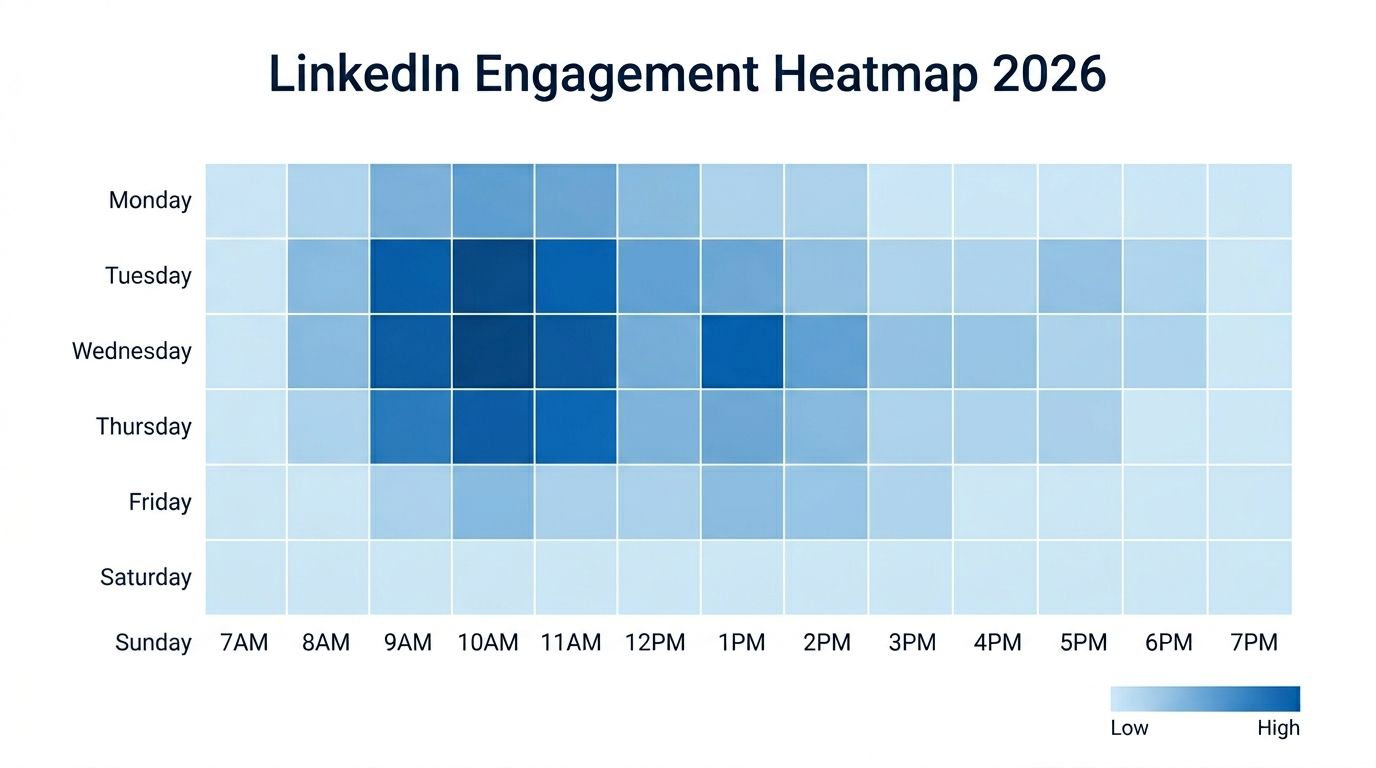
Best Time to Post on LinkedIn in 2026 (Data from 4.8M Posts)
When is the best time to post on LinkedIn? We analyzed data from millions of posts to find the days, hours, and industry-specific windows that drive the most engagement on LinkedIn in 2026.
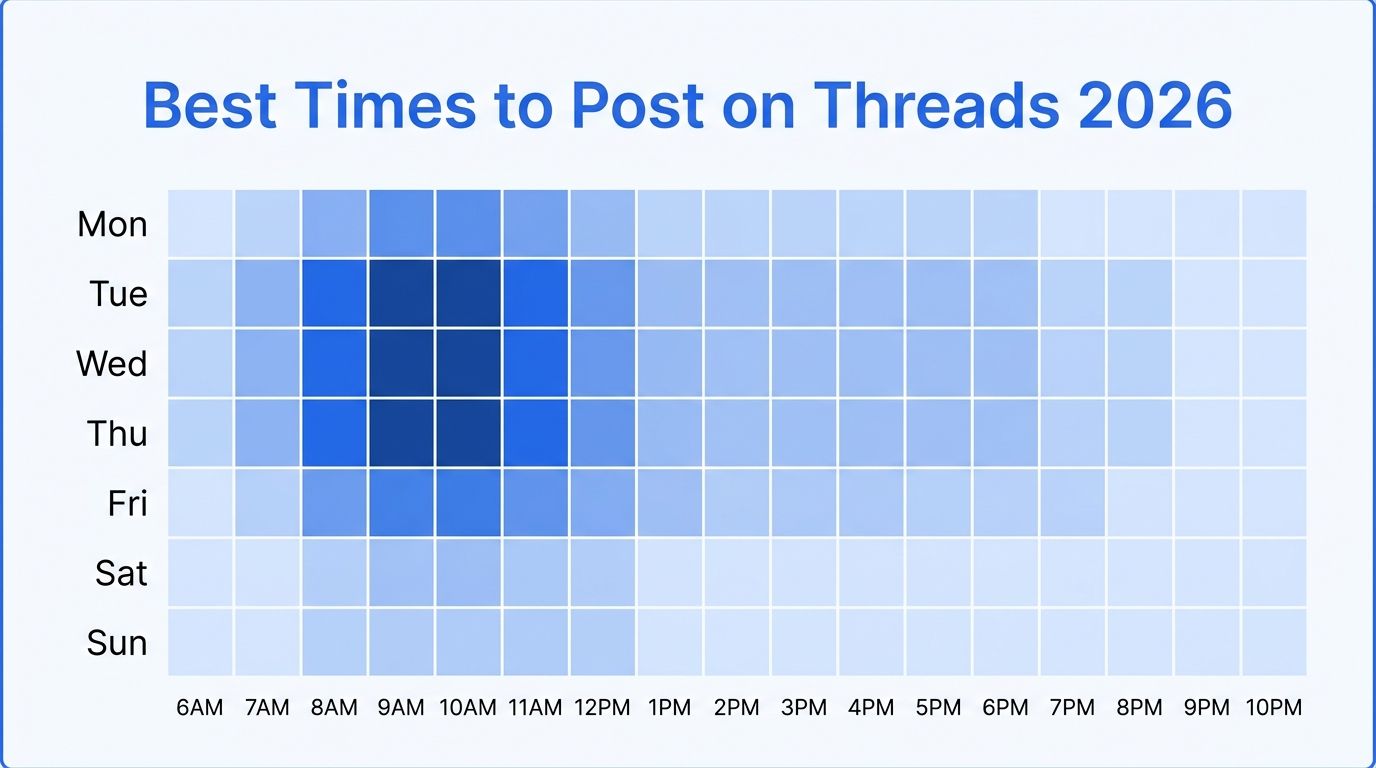
Best Time to Post on Threads in 2026 (Data-Backed Guide)
When is the best time to post on Threads? We analyzed posting patterns to find the days and times that get the most engagement on Threads in 2026. Day-by-day breakdown with specific hours.

A Practical Guide to the LinkedIn Campaign Manager
Master the LinkedIn Campaign Manager with this step-by-step guide. Learn how to set up, target, and optimize campaigns that drive real business results.
What Is a Social Scheduler and Why Do You Need One?
Discover what a social scheduler is and how it saves creators and marketers 10+ hours a week. Learn to automate your content strategy and drive growth.
Your Guide to the Perfect Instagram Profile Picture Size
Get the recommended Instagram profile picture size for a flawless look. Our 2026 guide covers dimensions, cropping, and tips to make your profile stand out.

Best OpenClaw Skills for Social Media Marketing
Discover the best OpenClaw skills for social media marketing. Scheduling, cross-posting, content creation, and research skills, all verified on ClawHub.