What Is BST Time Now? A Guide for Global Content Creators
Confused about what BST time now means for your global audience? This guide decodes British Summer Time and gives you scheduling tips for perfect timing.

On this page (16)
If you've ever found yourself searching for "what is the bst time now," you're not alone. British Summer Time (BST) is simply the UK’s version of Daylight Saving Time, that seasonal clock shift designed to make summer evenings feel a little longer. It’s not a permanent time zone, but a temporary change that runs for about seven months each year.
What Is British Summer Time and Why Does It Matter?
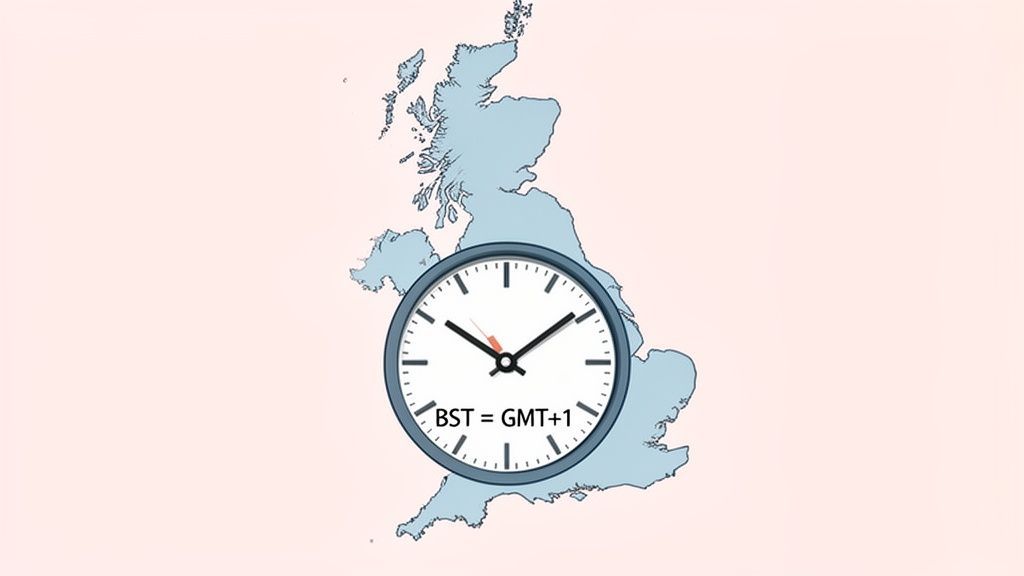
Think of Greenwich Mean Time (GMT) as the UK's default setting. For a good chunk of the year, that's the time on the clock. But when the warmer months roll around, the country springs forward one hour to make the most of the extra daylight. That new time is British Summer Time.
The relationship is simple: BST is always GMT+1. This one-hour shift is a huge deal for anyone with a UK-based audience, from global brands to solo creators.
The Impact on Your Content Schedule
Mistaking GMT for BST is an easy slip-up, but it can throw your whole schedule off. That perfectly timed post could go live an hour late, completely missing the window when your audience is actually online. For social media managers, that tiny error has a massive ripple effect.
A mistimed post doesn't just get seen by fewer people; it gets buried in the feed before your target audience even has a chance to log on. This is why knowing the current bst time now is more than a convenience, it’s a strategic necessity.
Nailing the timing means your content lands exactly when your UK followers are scrolling. This is where a smart scheduling tool becomes your best friend, taking all the time zone guesswork out of the equation. A platform like PostFast, for example, handles these conversions automatically, so your content always shows up at the right local time.
This guide will walk you through everything you need to know about BST, so you can schedule with confidence and connect with your audience when it truly matters.
Navigating the Annual UK Clock Changes
The UK’s switch between GMT and BST happens like clockwork every year, which makes planning for it much easier. On the last Sunday in March, the clocks spring forward by one hour, and just like that, British Summer Time officially begins. It’s the change that gives us those longer, brighter summer evenings.
Then, on the last Sunday in October, the clocks "fall back" an hour, returning the country to GMT for the winter. This simple, consistent pattern means that for most of the spring, summer, and early autumn, you’ll be dealing with BST.
Annual UK Time Zone Transitions
Knowing exactly when these transitions happen is your secret weapon against scheduling mix-ups. No one wants to launch a campaign an hour late or show up to a meeting an hour early. To keep things crystal clear, here’s a quick reference for the annual time changes.
| Event | Date and Time |
|---|---|
| Clocks Go Forward (BST Begins) | Last Sunday in March at 1:00 AM |
| Clocks Go Back (GMT Resumes) | Last Sunday in October at 2:00 AM |
The changeover happens at a very specific time, super early on a Sunday morning. This is intentional, designed to cause the least amount of disruption to work and daily life.
This predictability is a massive win for anyone scheduling content. Instead of fumbling with time zone converters, you can map out your calendar months ahead, knowing precisely when to account for that one-hour shift.
Of course, you can also lean on smart social media scheduling tools that handle these adjustments automatically. They make sure your content goes live at the perfect moment, every time.
Ultimately, understanding this schedule removes all the guesswork. You’ll always know whether the current bst time now is the one to use or if it’s time to switch back to GMT thinking for your global collaborations.
How to Convert BST to Major Global Time Zones
Getting your team on the same page means knowing how to quickly flip BST into their local time. Say you need to go live at 3 PM BST, you want your audience in New York or Berlin tuned in at just the right moment, not an hour late.
The rule of thumb is pretty simple. BST is always GMT+1, so you just need to adjust the hours from that starting point.
For someone on Eastern Time, you’ll subtract five hours from BST. If your team is on the West Coast, you’ll need to subtract eight hours for Pacific Time.
Meanwhile, Central European Time is just one hour ahead of BST, so you’ll add an hour for colleagues in continental Europe.
- EST: BST − 5 hours (e.g., 3 PM BST is 10 AM EST)
- PST: BST − 8 hours (e.g., 3 PM BST is 7 AM PST)
- CET: BST + 1 hour (e.g., 3 PM BST is 4 PM CET)
These quick formulas are great for a gut check, but modern teams need tools that lock in global times automatically.
"Accurate time conversion stops confusion before it starts."
– Time Management Expert
Visualising The Shift
Here’s a simple map showing how the UK bounces between GMT and BST each year.
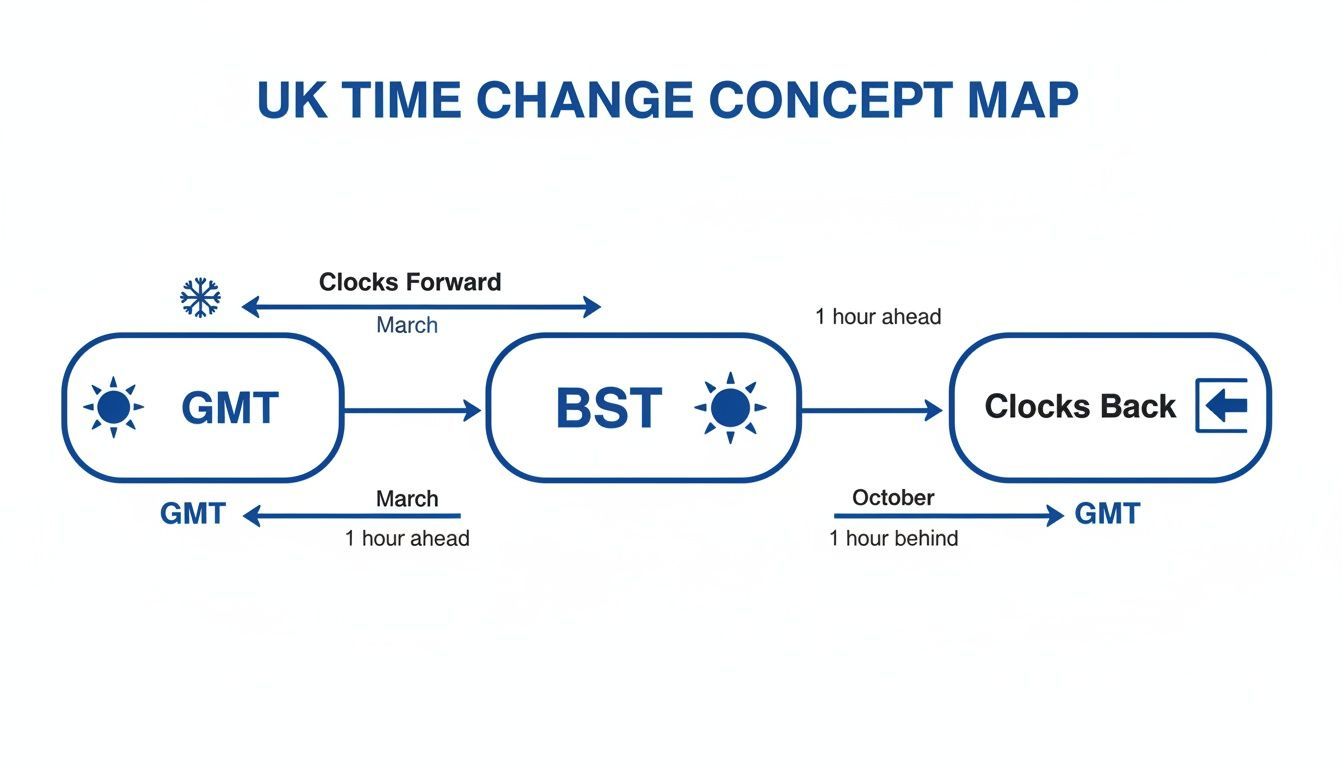
This visual shows the clock changes in March and October that affect what time it is in BST right now.
This is the kind of stuff PostFast handles behind the scenes. It takes your 10 AM local time and translates it perfectly into BST, EST, CET, or any other timezone you need.
Scheduling across continents becomes as easy as checking a box. The Smart Scheduling feature even helps you queue up posts for peak engagement hours everywhere.
- Choose your target time (e.g., 3 PM BST).
- Select the zones you want to convert it to.
- Click Schedule, and PostFast does all the maths for you.
This simple workflow can save you 10+ hours a week otherwise spent on manual calculations. You can even use the PostFast live time-check widget to see the current BST right on your dashboard.
When scheduling around daylight saving changes, always double-check when each zone’s clocks are set to shift. PostFast updates automatically, so your content calendar stays accurate.
Using PostFast For Quick Scheduling
If you have a team spanning more than a few zones, a quick-glance table in your shared calendar or workspace is a huge help.
| From BST | To Zone | Formula |
|---|---|---|
| 15:00 | EST | 15:00 − 5h |
| 15:00 | PST | 15:00 − 8h |
| 15:00 | CET | 15:00 + 1h |
A simple chart like this turns messy time maths into a non-issue. For remote teams, remember to factor in local rhythms like lunch breaks and evening downtime. Planning posts around 12:00 or 18:00 local time often catches people during their busiest scrolling sessions.
Pairing these conversion rules with a live clock in your calendar is the key to perfect timing, every single day.
Why Perfect Timing Is Crucial for Audience Engagement
Connecting with a global audience is about much more than just great content, it's about delivering it when people are actually there to see it.
Post at the perfect local time, and you can dramatically boost your visibility and interaction. But if your timing is off, all your hard work gets buried in the feed before it ever has a chance to shine.
This is especially true in fast-growing markets. In Bulgaria, for instance, social media use has exploded, reaching 4.50 million active users. That’s a massive 67.1% of the entire population scrolling through their feeds, which is a huge opportunity for brands that get their timing right. This growth, highlighted by DataReportal, shows just how vital it is to post when people are active during their evening commute or lunch break.
And that’s exactly the problem smart scheduling tools were built to solve. They take the guesswork out of hitting those peak engagement windows.
Hitting the Sweet Spot for Engagement
Figuring out the best time to post isn't just a helpful tip; it's a core piece of any successful content strategy. If you miss that ideal window, it means lower reach and fewer likes, comments, and shares.
Posting at peak times isn’t about tricking an algorithm; it’s about meeting your audience where they are. It’s a simple act of respect for their time and attention.
Tools like PostFast make this incredibly simple. Instead of trying to manually figure out what "8 PM BST" means for your followers in different countries, the tool just handles it. You can schedule posts for "peak local time," and the system makes sure everyone sees your content when they’re most likely to interact.
By checking your PostFast analytics, you can pinpoint the exact times that deliver the best results for your specific audience. This data-driven approach gets rid of assumptions and helps you fine-tune your schedule for maximum impact.
Scheduling Content Across Time Zones the Smart Way
Trying to calculate time zones for every single post isn't just a headache; it's a surefire way to make mistakes. One slip-up in your maths and your big launch post goes live in the middle of the night for your audience, completely missing the mark.
This is exactly where modern scheduling platforms come in. They were built to take that pressure off, making global content management feel almost effortless.
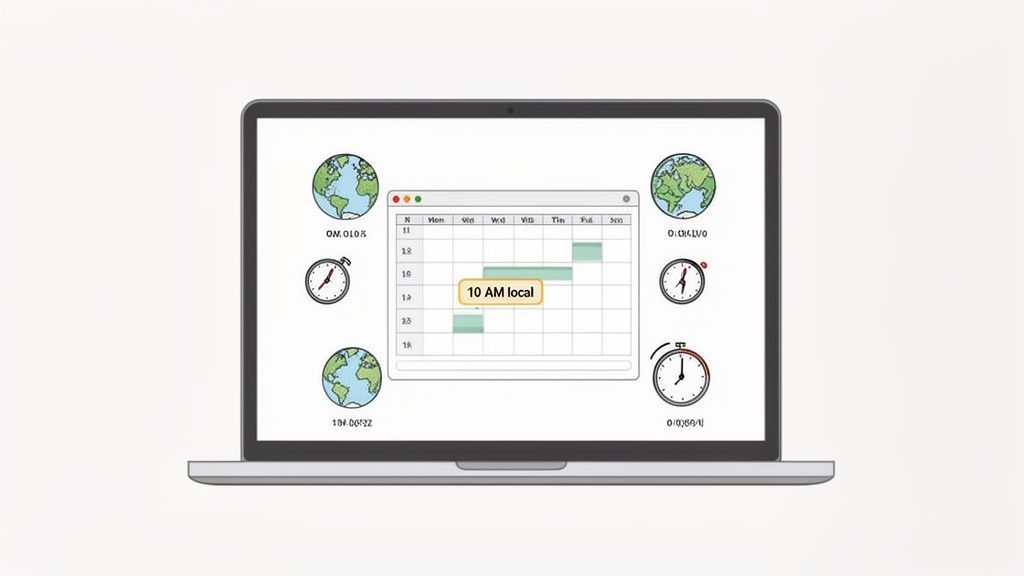
Imagine scheduling a post for “10 AM local time” and having a tool automatically publish it at 10 AM in London, New York, and Tokyo, without you ever having to glance at a world clock. That’s what smart scheduling is all about.
Automating Your Global Schedule
Tools like PostFast are designed to handle all those tricky time conversions quietly in the background. You get a clean, visual calendar that shows everything in your own time zone, while the platform does the heavy lifting to publish it correctly across the globe.
The goal is to spend your time creating great content, not wrestling with time zone calculators. Automation frees you up to focus on what actually drives growth.
This approach gives you consistency and reliability. You can set up an entire week’s worth of posts and trust that each one will go live at the perfect moment for the audience it’s meant for. If you want a full walkthrough, check out our guide on how to schedule a social media post to multiple platforms and see just how simple the process is.
Perfecting Your Timing with Smart Tools
With the right setup, you can automate Instagram Reels and Stories to post during peak engagement hours everywhere. That consistency helps build a reliable presence with your audience, no matter where they live.
Here are three key benefits of handing this off to a scheduling tool:
- Fewer Errors: You completely eliminate the human error that creeps in with manual time zone conversions.
- More Time Back: Queue up weeks of content in just a few minutes, saving you hours of daily admin.
- Better Consistency: Keep up a steady posting rhythm across all your platforms, which algorithms love to see.
Ultimately, a smart scheduler turns a frustrating logistical puzzle into a simple, automated part of your workflow. It's about working smarter, not harder, to connect with your audience and grow your brand.
Common Questions About BST and UK Time
Even when you have the basics down, a few questions about UK time always seem to surface. Here are some quick, clear answers to lock in your understanding so you can schedule content with complete confidence.
Think of this as a handy cheat sheet for those moments you need a fast clarification.
What Is the Main Difference Between GMT and BST?
The simplest way to put it is this: GMT is the UK’s standard time in winter, and BST is its Daylight Saving Time in summer.
When the clocks spring forward, BST puts the UK one hour ahead of GMT. So, BST is GMT+1. Think of GMT as the baseline and BST as the seasonal tweak.
Is BST the Same as UK Time?
Not exactly, though people often use the terms as if they are. "UK time" is just whatever the current time is in the United Kingdom.
From late March to late October, UK time is BST. The rest of the year, UK time is GMT. So while BST is a type of UK time, the correct term really depends on the season.
Using the right term for the season helps you communicate clearly with international teams. It's a small detail that prevents some pretty big misunderstandings.
How Can I Quickly Check the Current Time in BST?
The most straightforward way is to just search for "time in London" or "bst time now".
During the summer months, from the last Sunday in March to the last Sunday in October, the result you see will be the current BST. It’s a reliable, real-time check you can do anytime without any extra steps.
Managing time zones doesn't have to be a constant headache of mental maths. With PostFast, you can schedule your content for peak hours in any region, and the platform automatically handles all the conversions for you. Start your free 7-day trial and save yourself hours every single week.
Related

A Practical Guide to FB Story Download Methods
Discover the safest fb story download methods for any device. Our guide breaks down how to save Facebook Stories for archiving, repurposing, and more.

LinkedIn marketing: Complete Guide to Succeeding on LinkedIn in 2026
LinkedIn marketing in 2026: what to post, how often, and how to turn attention into leads with a simple weekly system.

Social media tools to improve your workflow
A quick guide to the best social media tools. See how social media tools fit your daily workflow without wasting time.

How to Connect Claude to Instagram: Post, Schedule, Reply
Connect Claude to Instagram so it can schedule posts, Reels and Stories, answer comments and report post stats. Setup steps, prompts that work, and limits.