How to Avoid TikTok Shadow Bans and Grow Your Audience
How to avoid TikTok shadow bans in 2026. Practical tips on visibility, community guidelines, and cross-posting strategies to grow your TikTok audience.
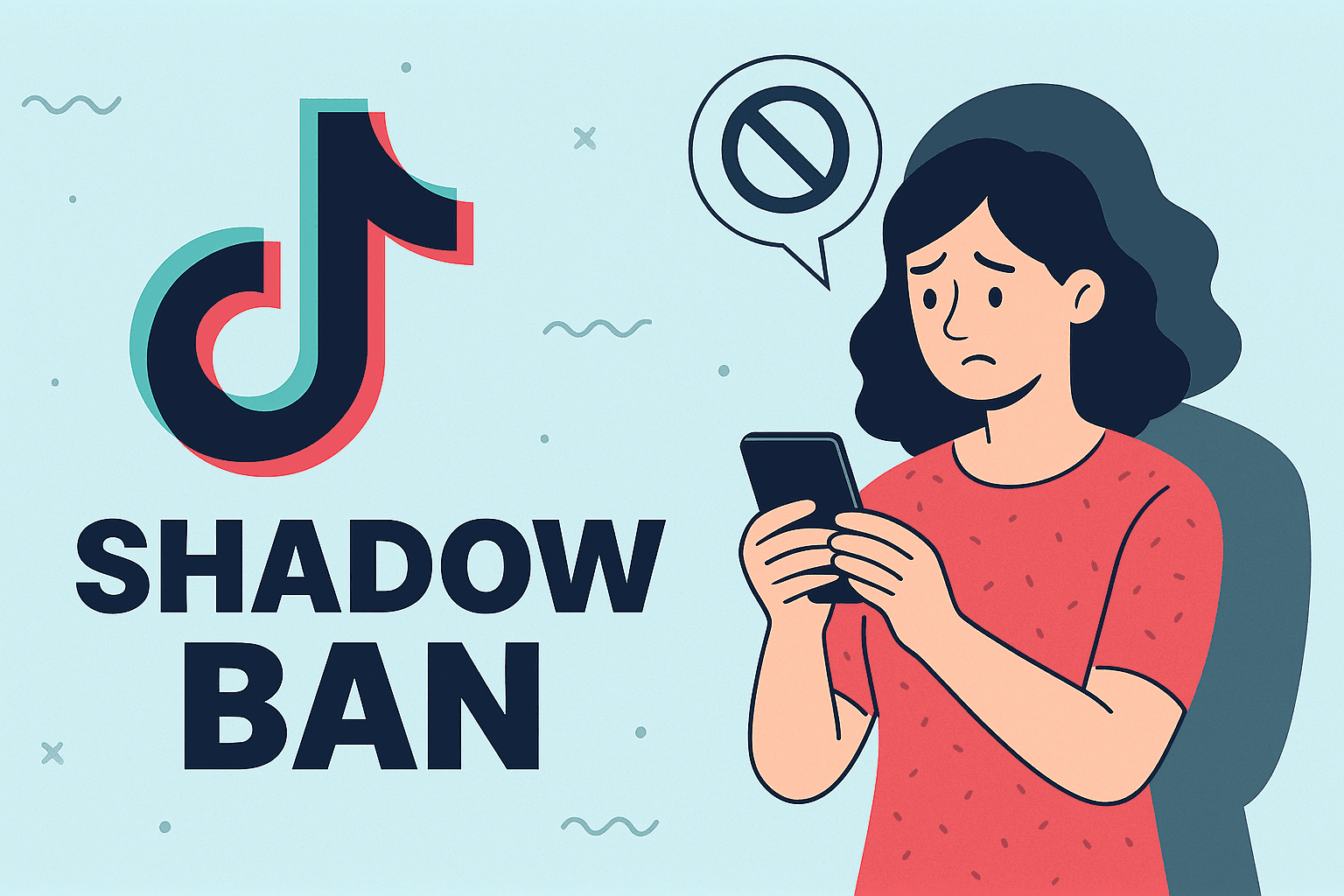
TikTok is an exciting place for creators to showcase their creativity and connect with millions of viewers. As its popularity grows, TikTok has implemented guidelines to maintain a safe and welcoming environment. One issue creators face is a "shadow ban," which can dramatically reduce content visibility.
In this article, we'll explain why TikTok shadow bans happen and share how using PostFast as cross-posting and automation tool, can help you avoid these restrictions and grow your TikTok audience effectively.
What is a TikTok Shadow Ban?
A TikTok shadow ban is when the platform quietly restricts your content's reach without any clear notification. Your videos won't show up on the popular "For You" page, leading to fewer views, likes, and comments, and making it harder to attract new followers.
TikTok’s algorithm uses shadow bans to manage issues like copyright violations, spam, inappropriate content, or harassment. Although TikTok doesn't officially acknowledge shadow bans, many creators have experienced their effects firsthand.
Understanding TikTok's Community Guidelines
Before diving deeper, it’s essential to familiarize yourself with TikTok’s Community Guidelines. These guidelines outline expectations around content quality, user behavior, and community safety. By respecting these rules, you can protect your account from shadow bans and enhance your visibility.
Common Reasons for Shadow Bans
1. Adult Content
TikTok prohibits sexually explicit or suggestive content. Posting inappropriate content can lead to restrictions or account suspension. Always share content that's appropriate for all audiences.
2. Harassment and Bullying
TikTok promotes a positive and supportive community. Engaging in harassment or bullying can result in penalties, including shadow bans. Create content that fosters respect and inclusivity.
3. Copyright Violations
Sharing content that infringes on others' intellectual property rights can trigger shadow bans. Always create original content or ensure you have the rights or permission to use third-party materials.
4. Accidental Violations
TikTok’s automated moderation tools occasionally flag content mistakenly. Even if unintentional, these mistakes can lead to shadow bans. Regularly reviewing your content can help prevent accidental violations.
How to Lift a TikTok Shadow Ban
1. Engage with Your Community
Actively engaging with other creators boosts your visibility. Like, comment, and share relevant videos to strengthen your community presence. PostFast allows you to cross-post easily your content with multiple accounts to increase visibility and connect better.
2. Diversify Your Content
Experimenting with different types of content can help overcome shadow bans and attract new followers. You can do short videos and mix it up with longer ones, to show that you're not a "bot" to the TikTok algorithm.
3. Collaborate with Other Creators
Partnering with fellow creators can broaden your audience and boost engagement. Don't forget to scroll and engage with content, don't just post videos, while we encourage you to do so from PostFast, showing that you're human, as scrolling and liking is positive to the algorithm.
4. Automate Your TikTok Strategy
Managing content creation across multiple platforms can be challenging. PostFast simplifies the process by allowing you to schedule and automatically publish TikTok videos at the best time to post on TikTok. This helps maintain consistent posting, boost engagement, and avoid guideline violations effortlessly. You can schedule for months ahead with ease across mulitple accounts and social platforms.
Conclusion
TikTok shadow bans can limit your reach, but with the right tools and strategies, you can avoid restrictions and continue growing your audience.
Don't let shadow bans slow your growth, take control of your TikTok success today with PostFast!
Related
TikTok scheduling with PostFast
Videos, photo carousels, drafts

Can You Schedule Posts on TikTok? How to Schedule TikTok Posts on Desktop and Phone in 2026
Yes, you can schedule TikTok posts. TikTok's desktop Video Scheduler (Business accounts, up to 10 days ahead) vs PostFast for videos, carousels, and drafts.
How to Connect Claude to TikTok: Connector Setup, Videos, Photo Posts and Drafts
Connect Claude to TikTok with a connector: schedule videos and photo posts, pick a sound, send posts to TikTok drafts and answer comments from a chat.
Schedule TikTok Drafts and Carousels the Simple Way
Schedule TikTok drafts and carousels with PostFast. Batch a week, auto add music for photo sets, and cross post to Instagram, Facebook, and YouTube Shorts.

How to Get More TikTok Followers in 2026 (Real Tactics, No Bots)
Discover how to get more TikTok followers with proven strategies for content, engagement, and analytics. This guide has actionable tips for real growth.

Best Time to Post on Social Media in 2026 (All 11 Platforms)
Find the best time to post on social media in 2026. Data-backed timing for Instagram, Facebook, TikTok, X, LinkedIn, YouTube, and 5 more platforms.
Can ChatGPT Post to Instagram and Facebook? Yes, Here Is How
Yes, with a connected app. Use PostFast to schedule Instagram and Facebook posts, Reels and Stories from ChatGPT, with approval before publishing.