How to Schedule Threads Carousels (4 to 6 Slide Formula)
You can plan and schedule Threads carousels without hopping between devices. PostFast lets you build a week of posts, line them up on a calendar, and publish on time.

You can plan and schedule Threads carousels without hopping between devices. PostFast lets you build a week of posts, line them up on a calendar, and publish on time. It works in your browser on desktop and on your phone, so small edits are easy anywhere.
If you want a wider overview first, read this: How to schedule Threads posts and carousels the right way.
What you can schedule on Threads
PostFast supports the main post types on Threads:
- Text posts
- Single image posts
- Video posts
- Carousels with multiple images or short clips in one post
- Drafts and scheduled posts you can move on the calendar any time
Tip: keep each carousel tight. Four to six slides is the sweet spot for saves and replies. If the story needs more, cap it at ten.
The 4 to 6 slide formula
Use this when you want people to save the post, not just skim it.
Slide 1: Hook
Say what the reader gets. Short and clear.
Slide 2: Context
One line of setup or a quick before vs after.
Slide 3: Main step
Teach one thing. A simple diagram or short caption is enough.
Slide 4: Proof or example
Numbers, a mini case, or a side by side.
Slide 5: Takeaway
What to remember. One sentence is stronger than a paragraph.
Slide 6: Call to action
Invite replies or point to the next step.
Helpful formatting:
- Use the same ratio across all slides
- Large type, good spacing
- One idea per slide

Scheduling flow in PostFast
-
Connect Threads
Sign in and connect your Threads account once. -
New Post → Choose Threads
Upload slides in order. You can mix images and short clips if it helps the story. PostFast prepares files before publishing so aspect ratios and durations fit Threads rules. -
Write the caption
Put the hook in line one. -
Pick date and time
Choose posting windows that work for your audience and keep a weekly rhythm you can repeat. -
Schedule
Posts go out on time. Open PostFast on your phone any time to shift a slot or tweak the caption.
Want to run this at scale
- PostFast supports cross posting with different captions per platform.
- You can automate pieces of the workflow with the public API. See the API docs.
Native Threads options vs PostFast
Threads offers simple built in tools that are fine for quick posts on your phone. PostFast is better when you plan a week at once or publish to more than one platform.
| Task | Native in Threads | PostFast |
|---|---|---|
| Publish a single post | Yes | Yes |
| Plan a week on a calendar | Basic | Full calendar with cross-posting |
| Carousels | Yes | Yes, with file prep and ordering tools |
| Cross post to other networks | No | Yes |
| Same experience on desktop and phone | Limited | Yes, browser based on both |
| Team workflow and API | No | Yes |
Cross posting to Instagram and more
When a carousel works on Threads, reuse it elsewhere in minutes.
- Instagram. Choose the platform, adjust the caption if needed, and set the time. See the Instagram integration.
- TikTok. Use a photo carousel if it fits. See the TikTok integration.
- YouTube Shorts. Convert the strongest slide into a short vertical video. See the YouTube integration.
Create once, adapt lightly, publish everywhere.
Specs that keep carousels clean
- Pick one ratio and stick with it across the set. 1:1, 4:5, or 9:16 all look good on mobile.
- Resolution. Export at 1080 on the short edge.
- Safe margins. Leave space near the edges so UI does not cover text.
- Order. Lead with the clearest slide. Do not bury the hook.
FAQ
How many slides can I add
Up to ten is supported. Four to six is usually the best range for completion and saves.
Can I schedule from desktop and phone
Yes. PostFast runs in your browser. Same interface on both.
What is the character limit for captions
Threads allows 500 characters.
Can I mix images and videos in one carousel
Yes. Keep each slide short and easy to read on a phone.
Copyable checklists
Carousel prep
- Choose one ratio for the whole set
- Write a one line hook for slide one
- Build slides two to five with one idea per slide
- End with one takeaway and one call to action
Posting workflow in PostFast
- Create a Carousel post for Threads
- Upload slides in order
- Add a short caption with the hook in line one
- Pick dates and times for the week
- Choose also Instagram, TikTok, or Shorts if useful
- Review on your phone and schedule
Weekly rhythm you can repeat
- Monday: draft two carousels and one text post
- Wednesday: publish the best carousel
- Thursday evening: publish the second carousel or a short video
- Friday morning: follow up with a text post or a question
If you want to try this flow, start a free trial at PostFast.
Related articles

Best Time to Post on Social Media in 2026: 61,008 Posts Scored Against Their Own Normal
61,008 posts with clean metrics, each scored against its account's normal: Instagram 3 PM local, Facebook 3 to 5 PM, YouTube 1 PM or evenings, TikTok flat.

PostFast MCP Server for Claude, ChatGPT and Cursor: Launch Notes and Changelog (2026)
The launch note for PostFast's MCP server: npm release March 2026, ChatGPT and Claude connectors June 2026, inbox tools August 2026. Setup, tools and changelog.

Can You Schedule Posts on Bluesky? How to Schedule Bluesky Posts in 2026
Yes, with a scheduling tool: Bluesky's own app has no scheduler. What Bluesky offers, the 300-grapheme and media limits, and how to schedule with PostFast.

Can You Schedule Posts on LinkedIn? How to Schedule LinkedIn Posts for Profiles and Pages in 2026
Yes. LinkedIn schedules posts 10 minutes to 3 months ahead (1 hour on Pages). Desktop, mobile, and Page steps, plus where PostFast goes further.
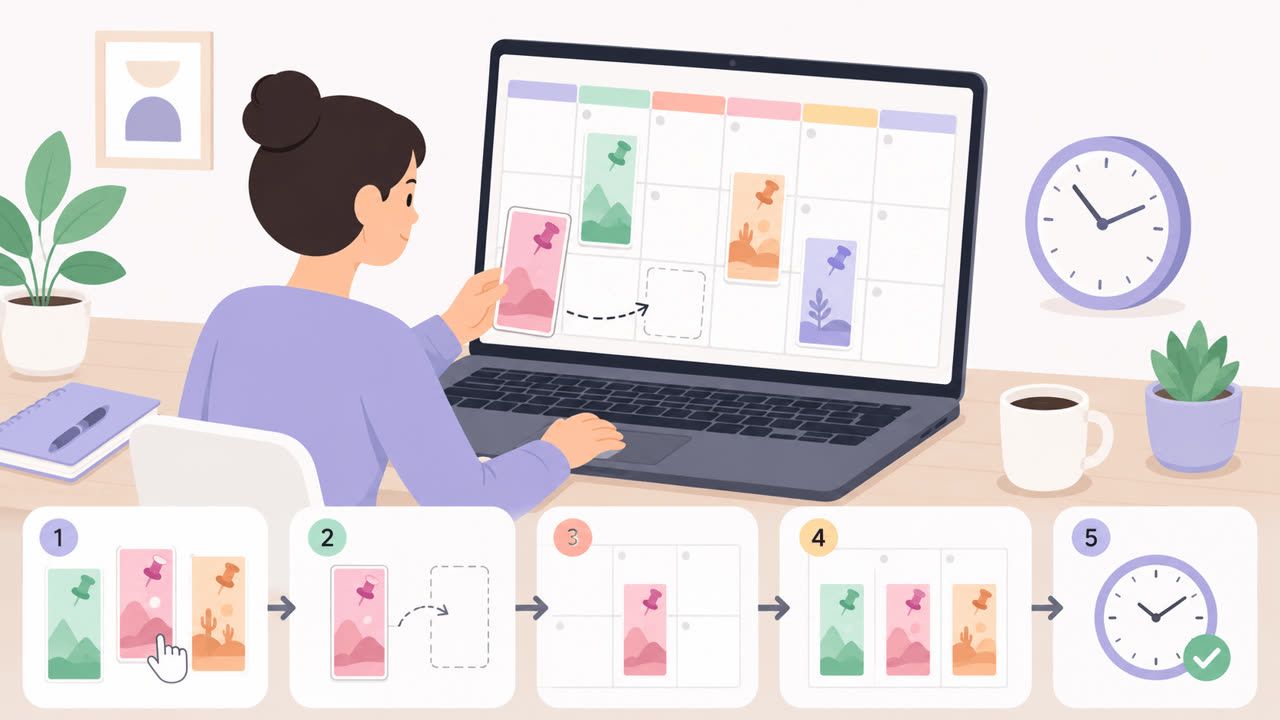
How to Schedule Pinterest Pins in 2026: Pinterest's Scheduler vs PostFast, Step by Step
Two ways to schedule Pinterest Pins: Pinterest's own scheduler (30 days ahead, 10 Pins queued) and PostFast for image, video, and multi-image Pins from desktop.

Best Social Media Schedulers in 2026: 11 Tools Compared on Price, Platforms, and Automation
Eleven social media schedulers compared on September 2026 pricing, platforms, auto-publishing, and API or MCP automation, using each vendor's own pricing page.