Schedule YouTube Shorts From Desktop and Cross-Post Without Extra Work
Schedule YouTube Shorts from desktop with PostFast. Batch a week, cross-post to TikTok and Instagram Reels, and keep a steady flow without extra exports.
Shorts are the fastest way to earn new views on YouTube. This guide shows a clean workflow to schedule Shorts in PostFast, repurpose them to TikTok and Instagram Reels, and keep a weekly rhythm that compounds reach. You can also schedule standard YouTube videos, but the focus here is Shorts and cross-posting.
What you can schedule with PostFast
- YouTube Shorts from desktop or mobile
- Standard YouTube videos when you need long form
- A single editor where you can also select TikTok, Instagram, and Facebook during the same session
- A calendar view so you see your week at a glance
Links for details:
Shorts workflow
Prep once
- Export vertical video (9:16). Keep it tight and hook in the first seconds.
- Save a caption that leads with the payoff or outcome.
Schedule in PostFast
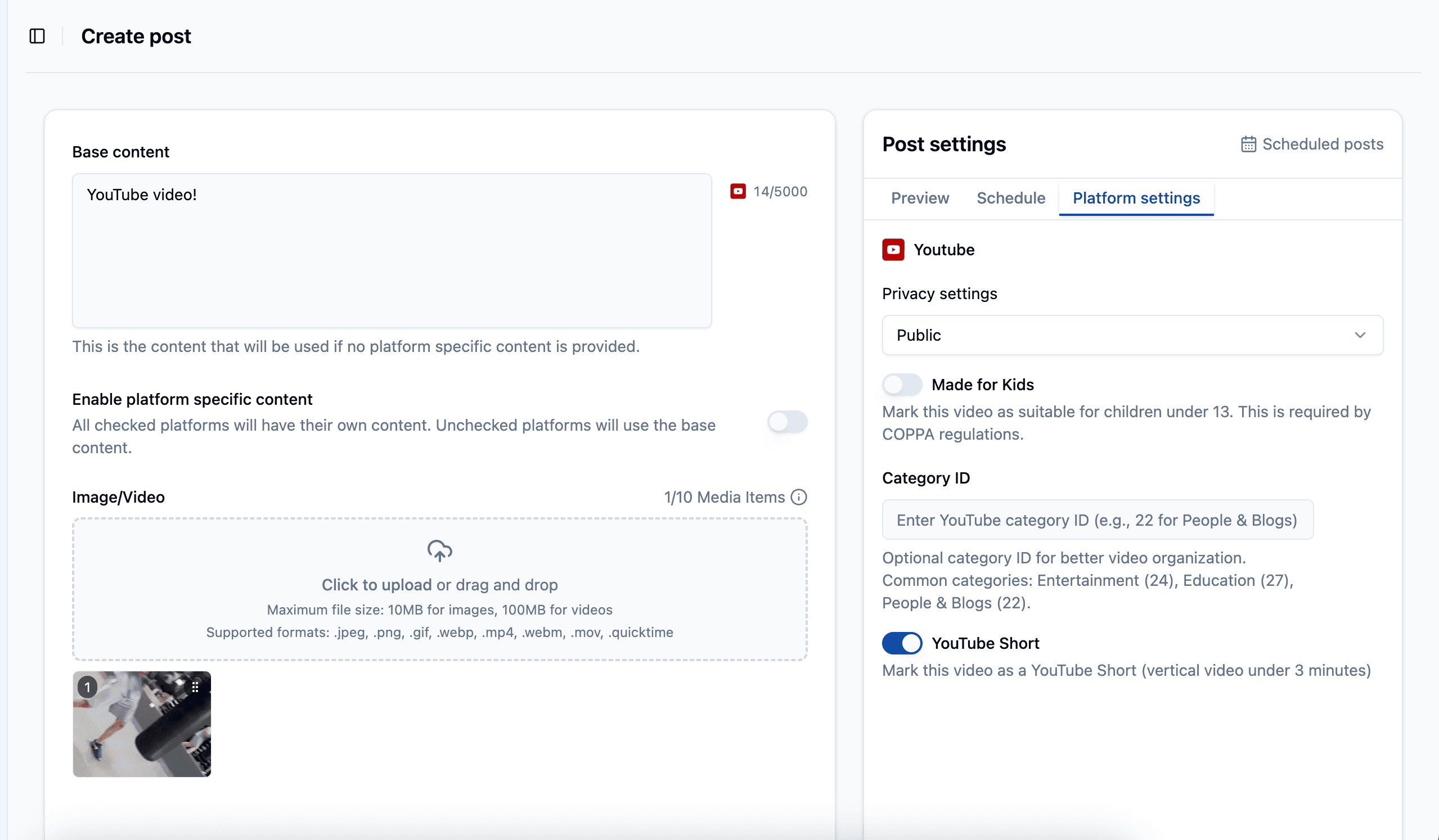
- Create a new post and select YouTube.
- Add your vertical video and write a short caption.
- Click platform settings and choose YouTube Short (its' the default).
- Pick a day and time in the calendar and schedule it.
- Preview it from the Preview tab (Optional)
Polish
- Keep the first line visible without truncation.
- Use clear, readable on-screen text if you add overlays in the edit.
- Save your best hooks in a notes file so you can rotate them.
Note on thumbnails: check the YouTube integration page for current status of custom thumbnails. PostFast keeps that page updated.
Cross-posting to TikTok and Instagram Reels
You do not need to export extra versions. While you are scheduling the Short, tick TikTok and Instagram Reels in the same composer. Edit captions per platform so each one reads naturally. (use the switch - Enable platform specific content)
Suggested caption tweaks
- TikTok: playful opener, keep it short
- Instagram Reels: concise and a little more polished
- YouTube Shorts: lead with the result or key idea
Why this helps
Shorts discover new viewers on YouTube, and the same clip can reach a different audience on TikTok and Reels. One scheduling session puts your work in front of more people without extra steps.
Calendar and weekly cadence
A simple plan you can repeat:
Mon 10:00 YouTube Short
Wed 13:00 YouTube Short + TikTok + Reels
Fri 11:00 YouTube Short (remake a past winner)
Tips
- Space uploads so each Short has room to breathe.
- Pin a monthly “start here” Short on your channel’s featured section.
- Save three hook lines that fit most products so you never start from zero.
One upload for multiple platforms
PostFast handles backend processing for video so the same source file can publish across supported platforms. That means less time exporting variants and more time filming and answering comments. If you want the technical breakdown, read the article here about backend processing
PostFast setup steps
- Connect your YouTube channel inside PostFast. (accounts tab)
- Connect TikTok, Instagram, and Facebook to enable cross-posting. (Optional, but recommended)
- Set two or three default time slots you can hit every week.
- Load your next three Shorts and place them on the calendar.
- Review per-platform captions and schedule.
FAQ
Can I schedule standard YouTube videos too
Yes. PostFast supports both Shorts and regular videos. See the YouTube integration page for specifics.
Can I change captions per platform when I cross-post
Yes. Edit each caption inside the composer before you schedule.
Do I need to export different files for each platform
No. Upload once. PostFast prepares versions for the supported platforms.
Where do I see what is new on the YouTube side
Check the YouTube integration page and the roadmap for the latest updates.
Copyable checklists
Shorts prep
- 9:16 edit ready, strong first three seconds
- First caption line is the payoff
- Optional on-screen text for clarity
Scheduling pass
- Add video to YouTube and set as Shorts
- Tick TikTok and Instagram Reels
- Tweak captions per platform
- Place on the calendar and review spacing
Weekly reset
- Save the best performer to a “remake” list
- Update your hook bank with new variants
- Lock next week’s three slots
Check PostFast's competitive pricing to save multiple hours that would be better used somewhere else!
Related articles

Best Time to Post on Social Media in 2026: 61,008 Posts Scored Against Their Own Normal
61,008 posts with clean metrics, each scored against its account's normal: Instagram 3 PM local, Facebook 3 to 5 PM, YouTube 1 PM or evenings, TikTok flat.
PostFast MCP Server for Claude, ChatGPT and Cursor: Launch Notes and Changelog (2026)
The launch note for PostFast's MCP server: npm release March 2026, ChatGPT and Claude connectors June 2026, inbox tools August 2026. Setup, tools and changelog.

Can You Schedule Posts on Bluesky? How to Schedule Bluesky Posts in 2026
Yes, with a scheduling tool: Bluesky's own app has no scheduler. What Bluesky offers, the 300-grapheme and media limits, and how to schedule with PostFast.

Can You Schedule Posts on LinkedIn? How to Schedule LinkedIn Posts for Profiles and Pages in 2026
Yes. LinkedIn schedules posts 10 minutes to 3 months ahead (1 hour on Pages). Desktop, mobile, and Page steps, plus where PostFast goes further.
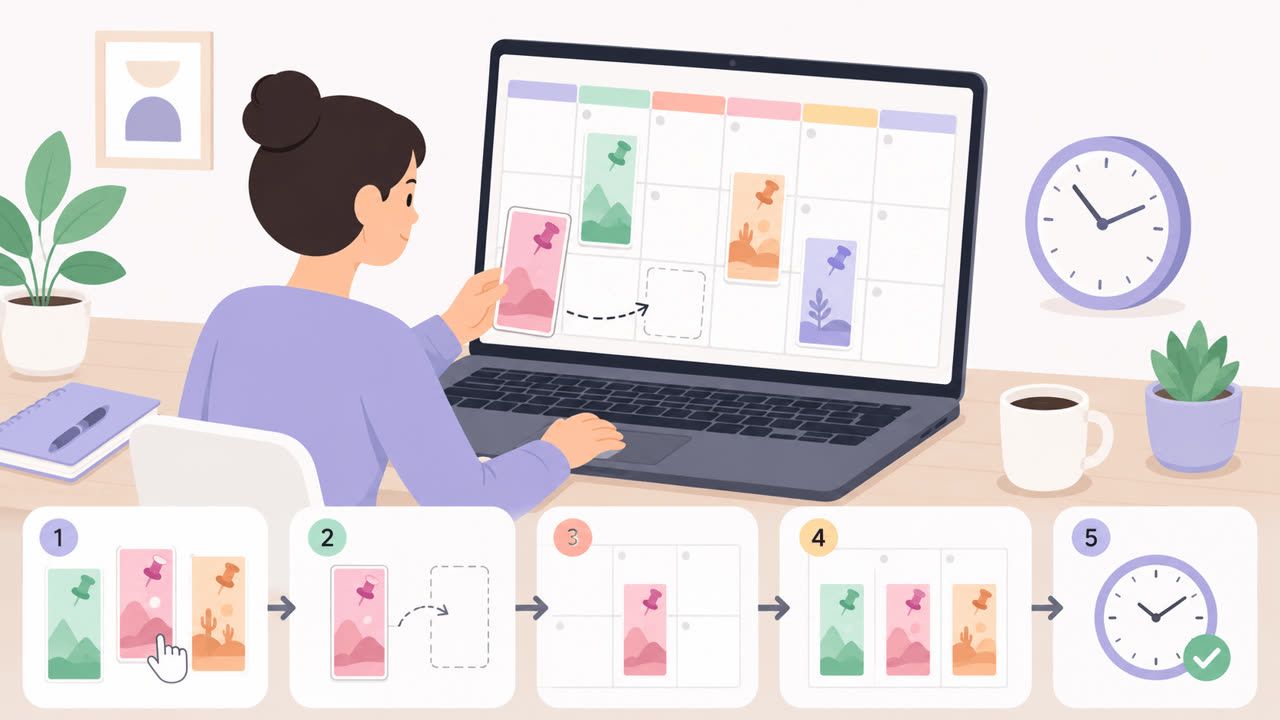
How to Schedule Pinterest Pins in 2026: Pinterest's Scheduler vs PostFast, Step by Step
Two ways to schedule Pinterest Pins: Pinterest's own scheduler (30 days ahead, 10 Pins queued) and PostFast for image, video, and multi-image Pins from desktop.
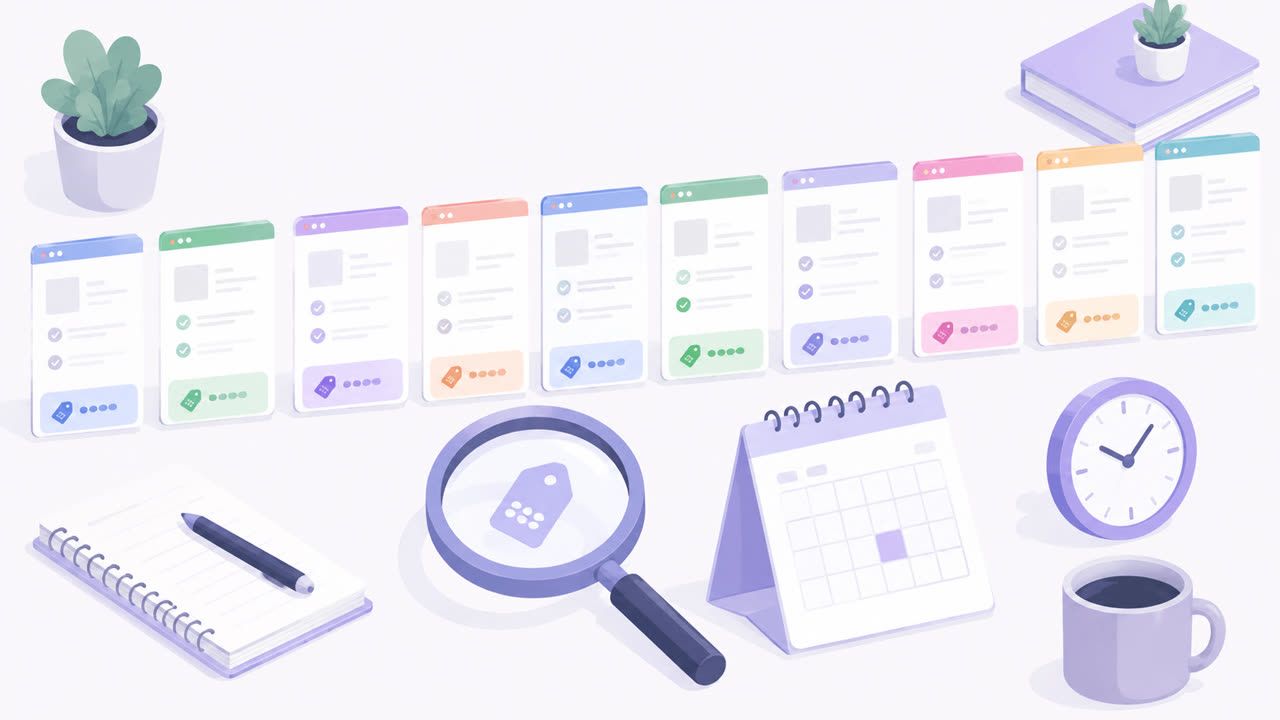
Best Social Media Schedulers in 2026: 11 Tools Compared on Price, Platforms, and Automation
Eleven social media schedulers compared on September 2026 pricing, platforms, auto-publishing, and API or MCP automation, using each vendor's own pricing page.