6 Best YouTube Shorts Editors in 2026
Looking for a YouTube Short editor? Find the best editing software for YouTube Shorts in 2026 for faster cuts, captions, reframing, and export.
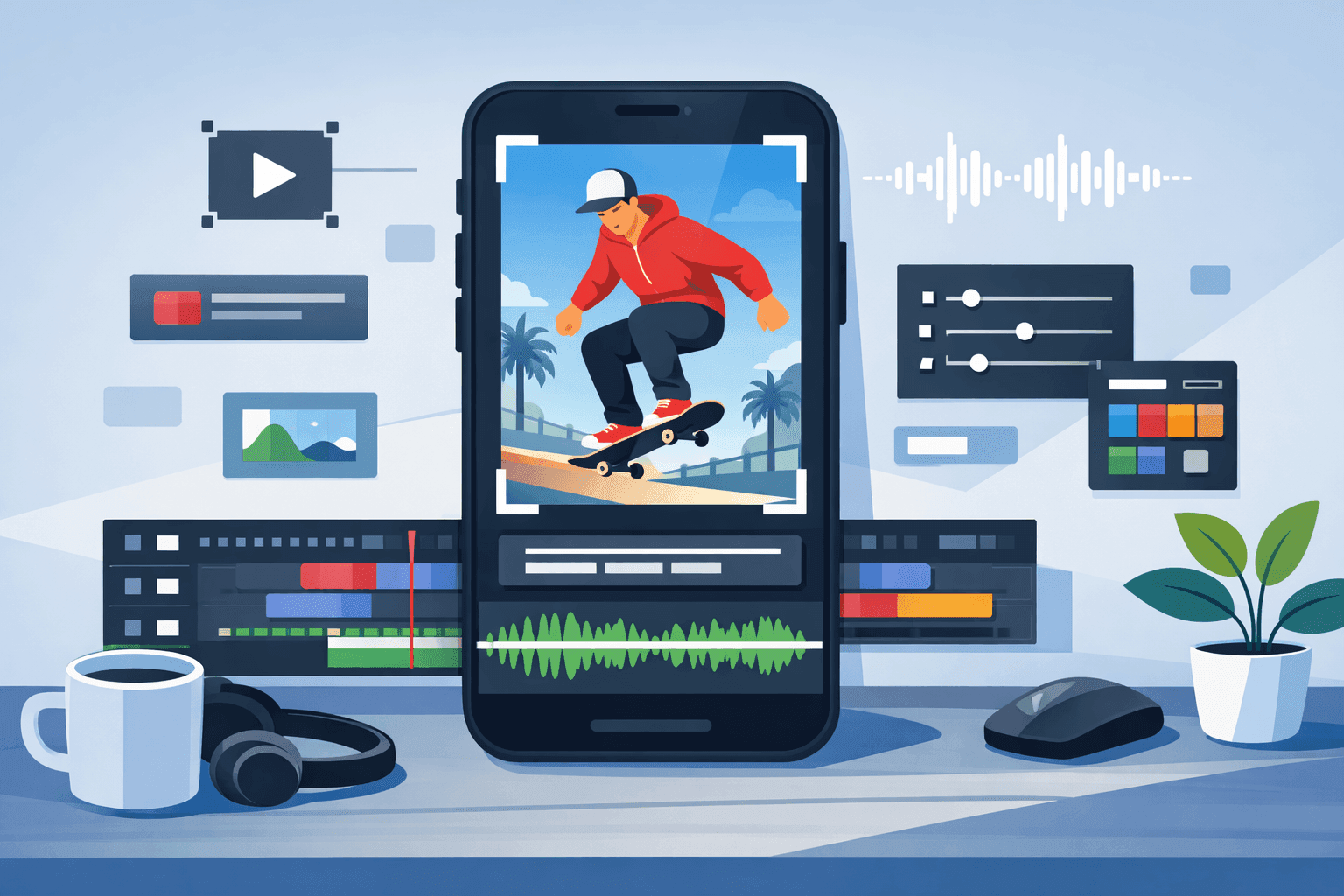
YouTube Shorts changed the way a lot of channels grow. A short clip can pull in viewers who would never click a ten-minute upload from a channel they do not know yet. It can also keep older streams and tutorials alive after the main upload has already done its first round of views.
A lot of editors can technically handle Shorts. That does not mean they all feel right for the job. Some feel much better when the job is quick vertical editing on a PC. Others fit creators who work mostly in a browser.
This article stays focused on six editors that make sense for short-form work in 2026: speed, clean results, and enough control to stop the video from looking generic.
Why YouTube Shorts Are Useful for a Channel
YouTube said in January 2026 that Shorts average 200 billion daily views, which says a lot about how much room the format still has inside the platform.
Shorts still work well as a discovery format, especially for channels that do not already have a large built-in audience. A viewer may ignore a full-length upload, yet they will often give a short clip a chance.
They also help a channel get more mileage out of existing footage. A long recording doesn’t have to stay trapped inside its original upload. A strong minute, a sharp answer, or a clean visual moment can turn into a separate post that pulls people back toward the main channel.
YouTube’s own documentation also ties Shorts more closely to channel monetization through the Shorts Monetization Module, so the format sits inside the business side of the platform as well, not only the reach side.
That makes editing more important than it first seems. The best video editing software for YouTube Shorts handles routine jobs without making every upload feel like a full production. A creator who posts often will notice that difference very quickly.
1. Movavi Video Editor
Best for: everyday YouTube Shorts editor, be it a hobbyist or a seasoned creator.
Movavi sits in a very practical place for Shorts work. It gives a desktop but still very approachable timeline, though it still leaves enough space to shape a clip properly.
That balance matters. Many people making short-form content just need an editor that lets them cut, trim, crop, reframe, clean up the sound, and finish the video before the whole process turns annoying.
Movavi’s current version fits that kind of editing well. One-click AI features such as auto subtitles, noise cleanup, background and silence removal help with Shorts because they tackle the parts people repeat over and over.
What makes it easy to keep using is the feel of the workflow. It doesn’t push you into an all-template style and not bury the basic work under a heavy interface. You can keep the cut plain, or you can dress it up with titles, overlays, and motion. Either approach still feels natural inside the same project.
2. VEED
Best for: people who want the browser to be their editing desk.
VEED’s appeal is obvious once you open the platform. You upload the clip, resize it, move it on the canvas, add captions, trim unnecessary parts, and export. There is much less project baggage than with a traditional desktop editor, which helps when you’re posting often and don’t want local files multiplying all over the PC.
A lot of vertical editing comes down to keeping the subject framed well enough that the clip still feels made for a phone screen rather than awkwardly repurposed. VEED handles that part smoothly, offering one-click aspect-ratio changes, including 9:16, along with fit-to-canvas controls.
This editor also makes sense when captions are central to the style of the video. Shorts often get watched with the sound low or off, so subtitle work cannot feel like an afterthought.
3. Descript
Best for: creators building speech-led YouTube channels.
Descript changes the feel of editing: it starts from language first. That one shift makes a big difference for certain channels. Users get transcription, captions, filler-word removal, and audio cleanup, all part of the same workflow.
A tight answer can become a short post very quickly once the transcript is in front of you. You’re no longer hunting through the timeline as uncertain as before. You see the sentence, shorten the pauses, and build the clip around that cleaned-up section.
Descript doesn’t feel like the right home for every kind of editing. A highly visual channel may prefer something more timeline-first.
4. VN Video Editor
Best for: users who want strong motion without paying right away.
VN suits Shorts that need a bit of punch. It is handy when a plain cut feels too bare and you want to push the clip further with speed changes, animated text, or quick visual accents.
The app is comfortable with fast edits, and that makes it a practical pick for creators who post short-form content all the time.
It also helps that the free version is actually useful. Many free editors feel like demos pretending to be products. VN feels like something you can genuinely work in, learn in, and keep using without hitting a wall on day three.
5. Shotcut
Best for: anyone in need for a free desktop tool with more control over the timeline.
Shotcut takes a more manual route. It stays open, capable, and a little drier than the others. It does less hand-holding. That’s not a flaw, though.
You’re working more directly with the timeline. The software offers native timeline editing, subtitle creation and export, frame-accurate seeking, and broad format support.
For Shorts, that can be useful when you already know how you want the clip to land and would rather build it yourself than depend on a preset-heavy environment.
It’s not the softest landing for beginners, yet it can be a very solid fit once the interface stops feeling unfamiliar.
6. OpenShot
Best for: content makers who desire a simpler free desktop editor for basic Shorts work.
There is something appealing about software that does not try too hard to impress you. OpenShot has that quality. The interface is easier to read, and the main tools aren’t hard to find.
If your Shorts are fairly basic, OpenShot covers the main jobs without much setup. You can trim footage, arrange a few layers, add text, and animate small elements, which is about as far as many people need it to go.
The program will likely feel limited if you post constantly or want a faster workflow. Still, it suits hobby channels, side projects, and anyone who wants to start editing vertical video on a budget.
Final Thoughts
YouTube Shorts move quickly, and the editor has to make sense at that speed. Most people do not need a huge setup for this format. They need something that keeps simple work simple. If basic cuts, subtitles, reframing, and cleanup already feel longer than they should, the software is probably the problem.
The best video editor for YouTube Shorts is usually the one you don’t get tired of using. If you can make the cut, fix the obvious issues, and export without much friction, it’s probably the right fit for your channel.
Ready to publish? PostFast schedules YouTube Shorts alongside Instagram Reels, TikTok, LinkedIn, and 7 more platforms from one calendar. Start your free trial →
Shorts views count toward the Partner Program. The YouTube monetization requirements for 2027 list the current thresholds.
Related
YouTube scheduling with PostFast
Shorts and full videos
Schedule YouTube Shorts From Desktop and Cross-Post Without Extra Work
Schedule YouTube Shorts from desktop with PostFast. Batch a week, cross-post to TikTok and Instagram Reels, and keep a steady flow without extra exports.
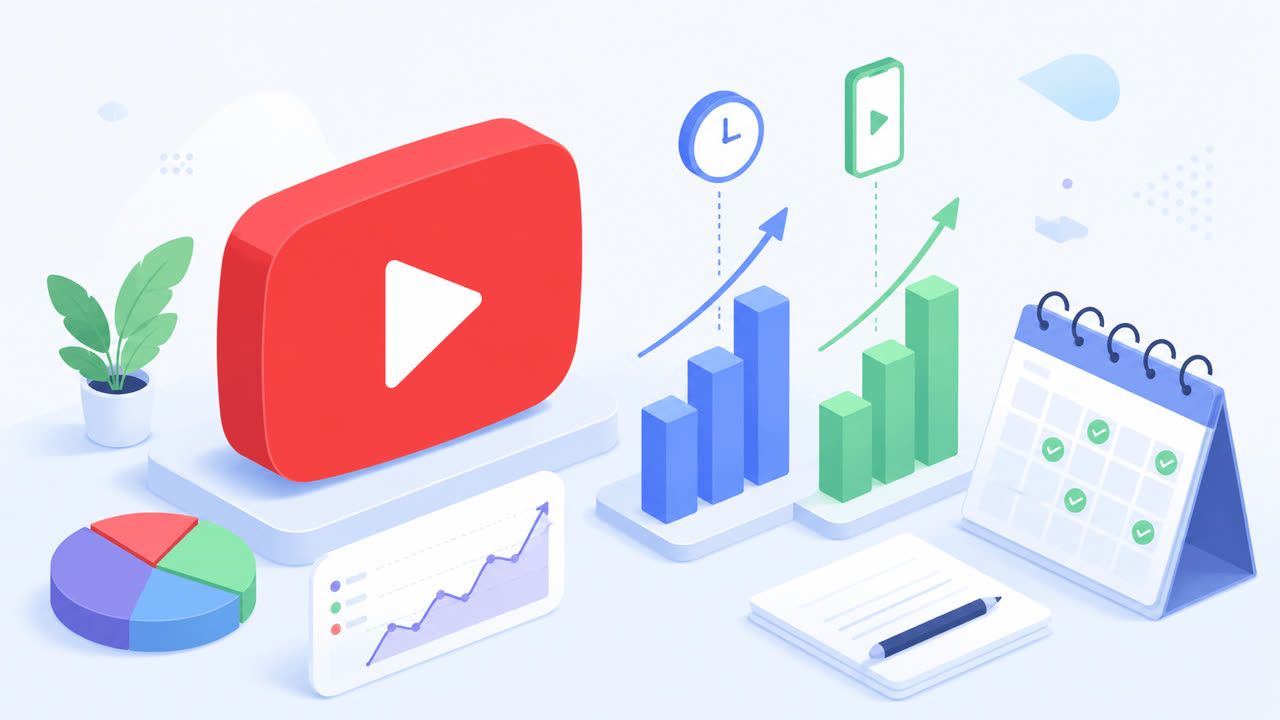
YouTube Monetization Requirements for 2027: Qualified Hours, Shorts Views, and a Posting Plan
YouTube's 2027 Partner Program rules explained: 8,000 qualified watch hours or 20 million Shorts views, what counts, and a posting plan to get there.
How to Download Video from YouTube The Smart Way
Learn how to download video from YouTube using safe, official methods. Discover smart alternatives for repurposing content without the risks.
Your Ultimate Guide to YouTube Video Download 4K
Master YouTube video download 4K with this guide. Learn the best tools, step-by-step methods, and content repurposing tips for 2026.

Unlock SEO Success with a Proven, Transparent Agency
Find a seo optimization agency that delivers measurable growth. Learn how to vet partners, avoid red flags, and drive real results.
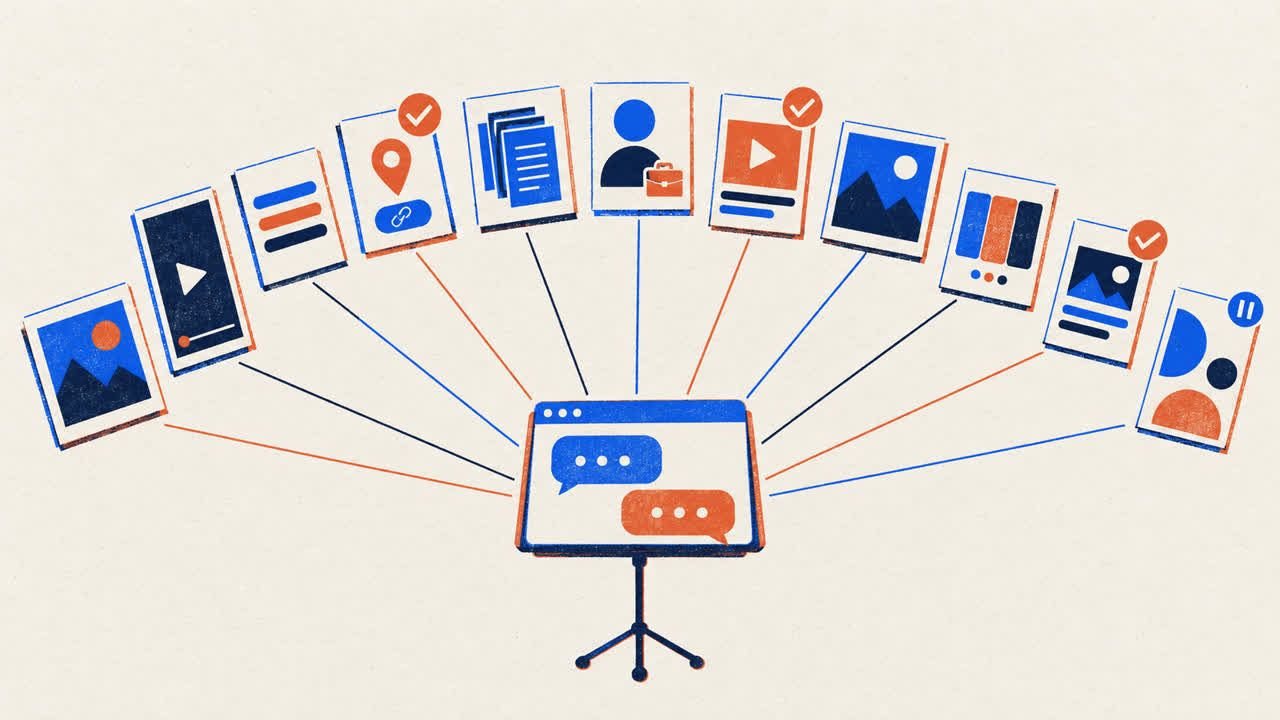
Claude for Social Media: Skills, Connectors and What It Can Post
How to use Claude for social media: skills that plan and write posts, a connector that publishes to 11 platforms with your approval, and what Claude can do on each.