Google Business Profile x PostFast Integration
Schedule and publish posts directly to your Google Business Profile locations from PostFast. Share updates, promote events, and run offers that reach customers right where they search - on Google Search and Google Maps.
Google Business Profile supports three post types: standard updates, events with dates, and offers with coupon codes. Every post type can include a call-to-action button (Book, Shop, Learn More, Sign Up, Order, or Call) to drive customer engagement directly from your listing.
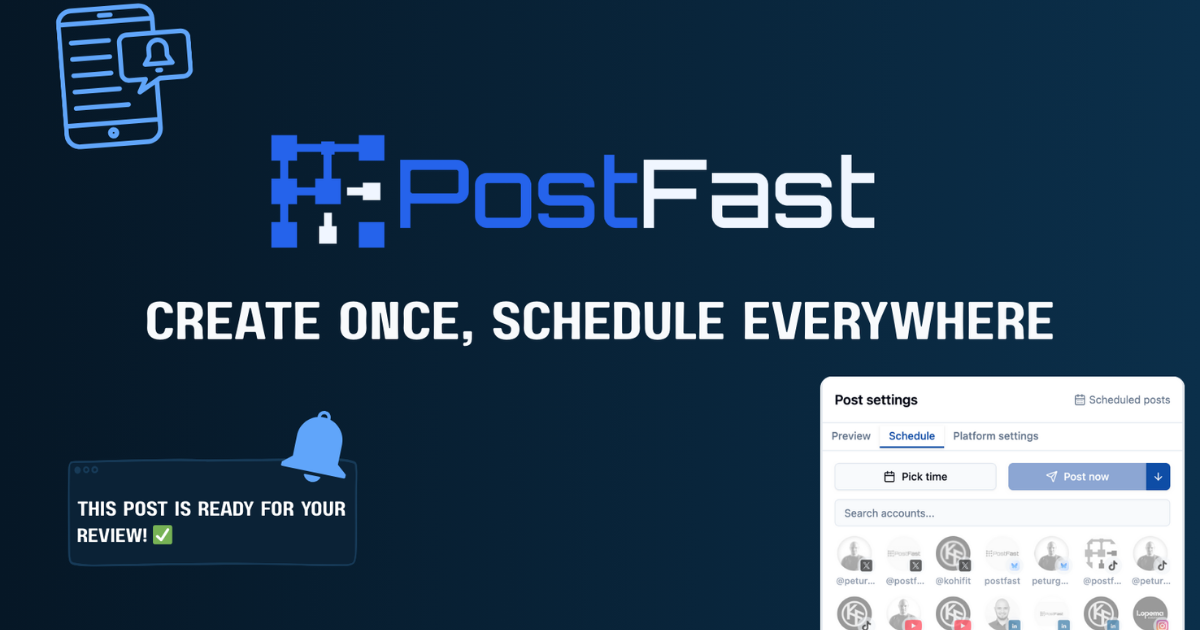
How to Connect Google Business Profile
Sign In with Google
Go to your Accounts page in PostFast, click Add Account, and select Google Business Profile. Authorize access through Google's secure OAuth login.
Select Your Location
PostFast syncs all your business locations automatically. When creating a post, select which location you want to publish to.
Start Scheduling
Create updates, events, or offers and schedule them for the perfect time. Add call-to-action buttons to drive traffic. PostFast handles the publishing automatically.
Post Types You Can Schedule
Standard Updates
Share general announcements, news, or promotions. Standard posts are visible for 6 months and can include an image and a call-to-action button.
Event Posts
Promote upcoming events with a title, start and end dates, and an optional call-to-action. Event posts remain visible until the event ends.
Offer Posts
Run promotions with coupon codes, redemption URLs, and terms and conditions. Offer posts are displayed until the offer end date.
Get Started with Google Business Profile Scheduling
Sign up for PostFast today and connect your Google Business Profile. You will get 7 days for free to try out our product.
And of course, you can cross-post your content to other platforms - while you're at it.
Google Business Profile Scheduling FAQs
How do I connect my Google Business Profile to PostFast?
Go to your Accounts page in PostFast, click Add Account, and select Google Business Profile. You'll be redirected to Google's secure OAuth login to authorize access. Once connected, PostFast will sync your business locations automatically.
What types of posts can I create for Google Business Profile?
PostFast supports all three GBP post types: Standard updates (general announcements), Event posts (with start/end dates and titles), and Offer posts (with coupon codes, redemption URLs, and terms). All post types support call-to-action buttons like Book, Shop, Learn More, Sign Up, Order, and Call.
Can I post to multiple business locations?
Yes! After connecting your Google Business Profile account, PostFast syncs all your locations. You can select which location to post to when creating content, making it easy to manage multiple storefronts or offices.
What media can I include in Google Business Profile posts?
PostFast publishes 1 image per Google Business Profile post, in JPEG or PNG format; it does not publish video or carousels there, although Google's own editor also lets a post include a video. Standard posts last 6 months, while Event and Offer posts remain visible until their end date.
Can I cross-post GBP content to other platforms?
Absolutely! Use PostFast to share the same content across Google Business Profile and all other supported platforms. Create once and distribute everywhere, or customize for each platform's audience.
How long do Google Business Profile posts stay visible?
Standard update posts are visible for 6 months. Event and Offer posts remain visible until their specified end date. To keep your profile fresh, we recommend posting regular updates alongside time-bound events and offers.