SaaS Marketing Automation: The Social and Email Stack We Run at PostFast
SaaS marketing automation from our own stack: what we automate on social and in lifecycle email, the event behind each sequence, and the tools by job.
On this page (9)
Most SaaS marketing automation advice starts with a platform and works backwards to your business. Ours started with two chores we wanted gone: keeping our social accounts active without doing it by hand, and sending the right email at the right moment of a customer's life. PostFast is a social media scheduler, so the social half runs on PostFast. The email half, the lifecycle messages between signup and cancellation, runs on event-driven sequences.
This is that setup: what we automate, what triggers each piece, the tools for each job, and the one check every email sequence needs.
The short version
| Job | What runs on its own | What sets it off | Tool |
|---|---|---|---|
| Social publishing | Posts go out on schedule across your connected networks | A calendar slot, an API call, or an AI assistant | PostFast |
| Trial onboarding | Emails that help a new trial connect its first account | A trial starts | SendHeron |
| Recovery | An invitation back when a trial ends unpaid | A trial expires without a subscription | SendHeron |
| Cancellation | One question about why, while the account is still active | A cancellation is scheduled | SendHeron |
| Transactional mail | Its own stream, separate from marketing | The app itself | SendHeron |
What stays manual: replies to comments, and posts tied to the news of the day. More on both below.
SaaS marketing automation tools, by job
There is no single tool for this. You need something for social publishing and something for lifecycle email, and the right pick depends on the channels you need. Prices were read from each vendor's own pricing page on September 23, 2026.
| Job | Tool | Entry price | Worth knowing |
|---|---|---|---|
| Social scheduling and publishing | PostFast (ours) | €12/month billed monthly (Starter), 7-day free trial, no card | All 11 platforms, the REST API and the MCP server on every plan |
| Social scheduling and publishing | Buffer | Free for up to 3 channels, then $5/month per channel | The free plan holds 10 scheduled posts per channel |
| Lifecycle and onboarding email | SendHeron (ours) | €19/month for up to 10,000 subscribed contacts, 7-day trial, card required | Tag-driven sequences, transactional and marketing mail on one account, sending in Europe |
| Lifecycle and onboarding email | Loops | Free for 4,000 sends a month to your 1,000 newest contacts | Paid plans are priced by contacts and include unlimited sends |
| Lifecycle email plus other channels | Customer.io | From $100/month for 5,000 profiles | Adds push and in-app messages, with SMS priced separately |
| Broad email marketing and automation | ActiveCampaign | From $15/month billed annually (Starter) | Starter caps each automation at 5 actions |
| Workflow glue | Zapier, Make, n8n | Zapier and Make have free plans; n8n can be self-hosted | PostFast integrates with all three |
The choice between email tools mostly comes down to channels. If email is the whole job, a focused tool is cheaper and simpler; if you need push and in-app messages as well, pay for a platform that does all of them. For more schedulers side by side, we compared 11 social media schedulers on price, platforms and automation.
What SaaS marketing automation actually covers
Marketing automation for a SaaS is software taking a repeatable marketing action when a clock or an event says so. That splits it into two families, and most products need both.
Time-based: the calendar
A post goes out on Thursday afternoon because someone put it in the calendar on Monday. Social publishing is almost entirely time-based, though an API can make a release post event-based. The work sits in the batching: write once, adapt per platform, queue it, and stop thinking about it until the next batch.
Event-based: the product
An email goes out because something just happened in the product: a trial started, a first account got connected, a cancellation was scheduled. For a SaaS, a handful of events carries almost all the value:
- Signed up, and whether a trial started
- First value, which for us is the first connected social account
- Card added and subscription active, which are not the same moment (more on that below)
- Payment failed, so a card problem gets fixed before it turns into churn
- Cancellation scheduled and subscription ended
Automate around those and you have covered most of what matters. What marketing automation is not: an AI choosing your positioning, or bots faking engagement. Neither survives contact with real customers.
Where to start
Start with social publishing and the trial sequence. Publishing by hand is a chore that comes back every week, and the trial is where a new customer decides whether to stay. Everything else can wait until those two run without you.
Social: batch it, schedule it, let it publish
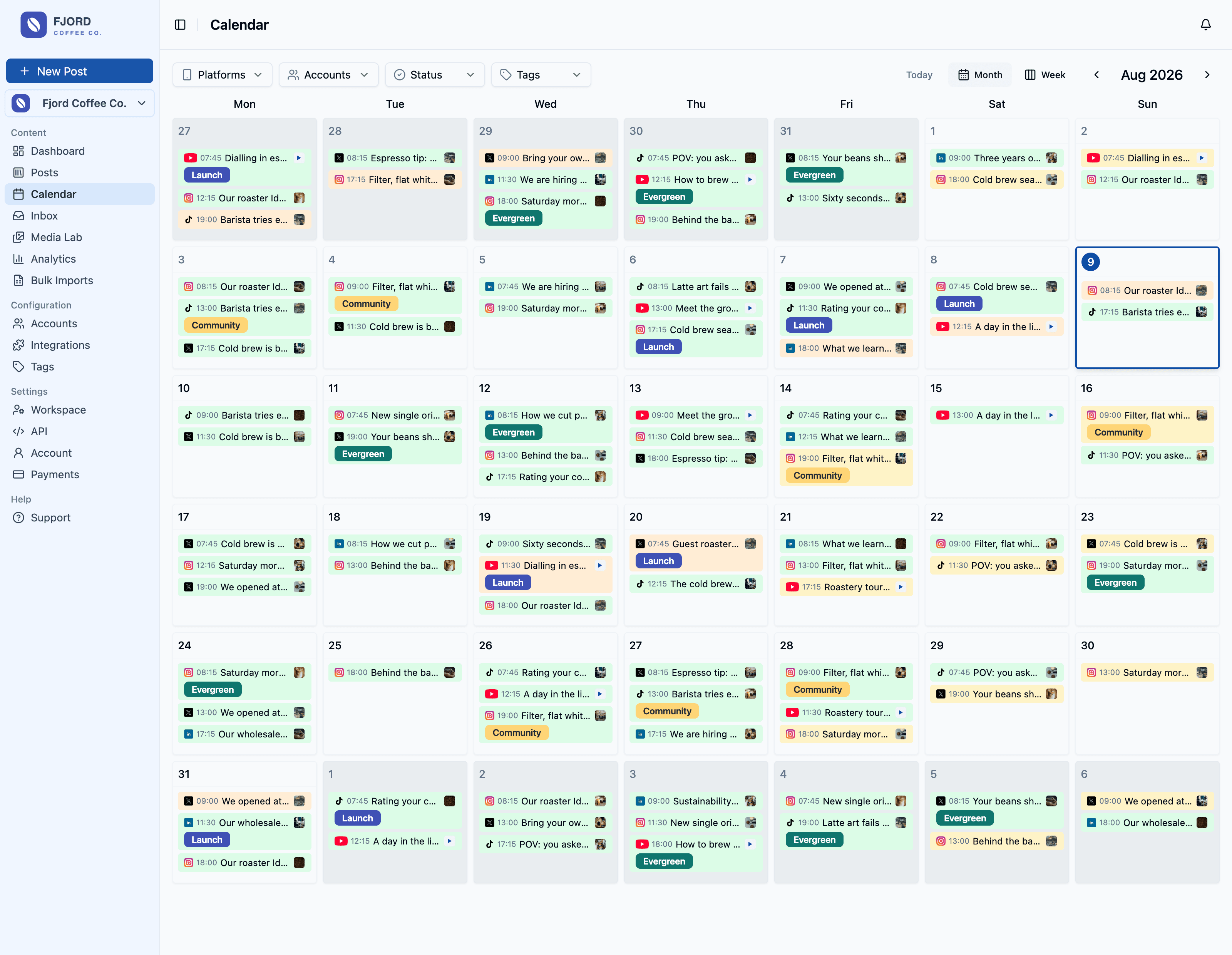
PostFast's own accounts on X, LinkedIn, Bluesky, Instagram, Facebook, TikTok and Pinterest are scheduled through PostFast, the same way our customers use it.
What to automate on social
- Publishing at a set time, across all your connected networks in one pass, after you adapt each post per platform. A LinkedIn post is not an X post with the character limit lifted.
- Release announcements. When something ships, the news should reach every network you use the same day, not whenever someone remembers to post it.
- Timing, but only where it pays. On some platforms the hour barely moves results; on others it does. Our 61,008-post timing study found Instagram and Facebook strongest in the afternoon and TikTok almost flat, so the clock is worth fussing over on some networks and not others.
Let the API and an AI assistant do the typing
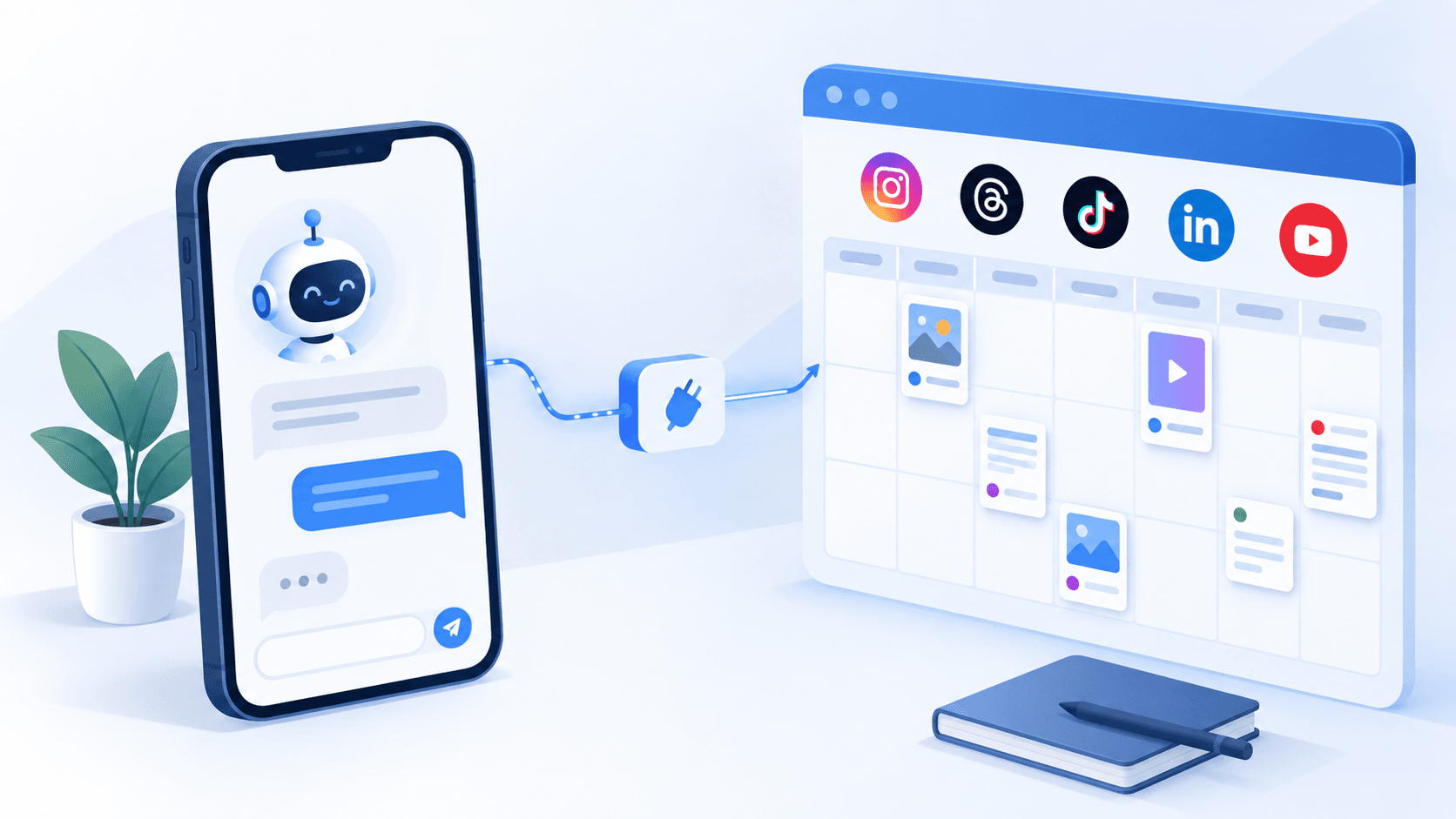
The REST API and the MCP server come with every PostFast plan, including the 7-day trial. The API lets your own code create and schedule posts, so a new entry in your changelog can become a queued post without anyone opening a dashboard. The MCP server lets Claude, ChatGPT or Cursor do the same in plain language: "turn these three release notes into this week's posts and schedule them for the afternoons." If you would rather wire it visually, PostFast also works with n8n workflows, Make and Zapier, which connect it to the rest of your tools.
What stays human on social
Replies. PostFast collects comments from Instagram, Facebook, Threads and TikTok in one inbox, but the answer should come from a person. For the longer list of what to hand to software and what to keep, see our guide to automating social media posts.
Email: the six lifecycle sequences behind a PostFast account
Our lifecycle email runs on SendHeron, the email automation product our team builds alongside PostFast. Six sequences cover the moments that matter between signup and cancellation, and each one starts from a single event:
| Sequence | Starts when | Its job |
|---|---|---|
| No trial | Someone signs up but does not start a trial | A nudge toward starting one |
| Trial activation | A trial starts | Help the new trial connect its first social account before the trial ends |
| Post-activation | The first social account is connected | Point to the next useful step after the first win |
| Win-back | A trial ends without a subscription | Invite them back |
| Cancel save | A customer schedules a cancellation | Ask why, once, while the account is still active |
| Churn save | A subscription actually ends | Close the loop without asking the same question again |
Each email in the trial sequence checks where that trial actually is before it sends: has an account been connected, has a card been added. An email about connecting your first account is noise to someone who already did it, and noise teaches people to stop opening your emails.
Tags are the contract between the app and the email tool
For lifecycle email, the PostFast app never decides what to send. It sets tags on a contact when something happens: trial started, account connected, payment method added, subscription active, cancel pending. There are 16 in total. The email side listens for those tags and does the rest.
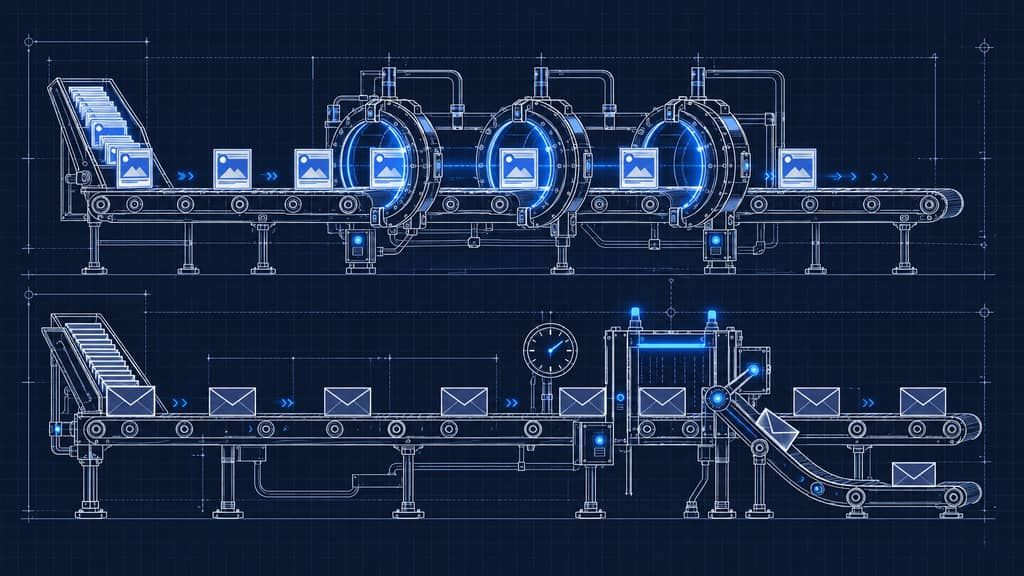
Every sequence is built from the same four pieces: a trigger (a tag was added), a wait, a check (does the contact have, or not have, a tag right now) and a send. In SendHeron's visual sequence builder, each sequence is laid out as a graph of those four pieces.
The split keeps both sides simple. The app knows about customers and billing, the email tool knows about timing and copy, and the tags are the only thing they share. Changing an email never needs a developer.
Transactional and marketing mail stay separate
Transactional mail is what a customer needs to use the product, such as account and billing messages. Marketing mail is everything they can opt out of. The two run as separate streams with different rules: an address that does not exist (a hard bounce) or a spam complaint stops every email to that address, while an unsubscribe only stops marketing, so someone who opted out of tips still gets the messages about their account.
Keeping the streams apart also means a marketing problem cannot hide inside a healthy transactional average. Over the 30 days to September 23, 2026, our transactional mail delivered above 99% and our marketing mail around 98%, with zero spam complaints. SendHeron sends through Amazon SES in Europe and keeps contact data in Europe, which is one less question to answer when your customers are in the EU.
Ask why once
When a customer cancels, two sequences can fire: one when the cancellation is scheduled and one when the subscription ends. Both could ask why, so only one does: the question is asked once, while the account is still active, and the later sequence skips its question if it was already asked.
Every wait needs a check
Picture a simple win-back flow: a trial expires, wait a day, send "come back?". It does exactly what it was built to do, and that is the problem. Someone whose trial ended and who subscribes during that day still gets the email, and a paying customer is told their trial has expired.
The flow works as designed. The design asks the wrong question: "did this trial expire?" instead of the one that matters by the time it sends, "is this person a customer now?". Two rules fix it:
- Anything that waits, re-checks. Before an email goes out after a delay, check the state it is about to describe. A day is plenty of time for a trial to turn into a customer.
- Check the state you need, not the event that started the flow. Our win-back sends only if the contact is not tagged as subscription active. The trigger is still "trial expired", but the check asks the question that matters.
A related billing trap
If you bill through Stripe, a subscription stays in trialing after the customer adds a card and only turns active when the first charge succeeds at the end of the trial. So "has a card" and "is subscribed" are different moments, and any email that asks for a card has to check for the card, not the subscription. Send "card added" and "subscription active" as two separate tags.
The question to ask of every sequence
When we review a sequence, the first question is always the same: can any email send after a wait without re-checking the state it describes? It takes a minute to answer, and it catches the win-back mistake above before a customer does.
How to set this up for your own SaaS
- Pick your handful of events. Signup, trial start, first value, card added, subscription active, payment failed, cancellation. Have your app send each one to your email tool as a tag or event the moment it happens.
- Build the trial sequence first. One email per milestone the trial has not reached yet, each checking that milestone right before it sends.
- Gate every wait. Before any email that follows a delay, check the state it is about to describe.
- Separate transactional from marketing on day one. It is painful to untangle later.
- Put social on a calendar, then connect the API or an AI assistant so release news and routine posts get queued from wherever you already work.
- Review monthly. Replies, unsubscribes and complaints tell you which emails are wrong; engagement per post tells you which social formats earn their slot.
What we deliberately do not automate
- Replies to comments. Software can collect them in one place; a person answers them.
- Anything that asks twice. We ask for feedback once. A sequence that nags is how an unsubscribe turns into a spam complaint.
- Posts tied to the news. A queue does not know what happened this morning, so anything reactive goes out by hand.
FAQ
What is SaaS marketing automation?
It is software taking repeatable marketing actions for a SaaS when a time or a product event says so: posts that publish on a schedule, and lifecycle emails that go out when someone signs up, starts a trial, reaches first value or cancels. A lean setup combines a social media scheduler with an event-driven email tool.
What should a SaaS automate first?
Social publishing and the trial sequence. Publishing by hand is a chore that comes back every week, and the trial is where a new customer decides whether to stay. Add win-back, cancellation and churn sequences once those two run without you.
Which email tool is best for a SaaS?
It depends on the channels you need. Loops has a free plan for early products. SendHeron, which our team builds, starts at €19 a month with sending in Europe. Customer.io adds push and in-app messages from $100 a month, and ActiveCampaign is a broad email marketing platform from $15 a month billed annually.
How do you automate social media for a SaaS without losing the human touch?
Automate publishing and keep conversations human. Schedule posts across platforms from one calendar, let the API or an AI assistant queue release announcements, and answer comments yourself.
Why should a delayed email re-check the contact before it sends?
Because things change while the email waits. A trial can turn into a paid subscription in the day between "trial expired" and "come back?". Checking the current state right before sending, such as whether the subscription is active, stops an email from telling a customer something that is no longer true.
Automate what repeats, check every email against what is true right now, and keep the conversations for yourself. That is most of SaaS marketing automation.
Related
The PostFast MCP server for Claude and ChatGPT
Claude, ChatGPT, Cursor
Which Social Media Scheduler Has an API and an MCP Server for Claude and ChatGPT? PostFast, on Every Plan
PostFast: REST API and official MCP server on every plan, trial included. OAuth connector for ChatGPT and Claude, npx server for Claude Code and Cursor.

PostFast and OpenClaw: How to Schedule Social Media Posts with AI
Managing social media across multiple platforms is a time sink. Open the scheduler, pick your accounts, write the caption, upload media, set the time, repeat. Multiply that by every post, every week. It adds up fast.
Meta Muse AI for Social Media Managers (2026): What the Agent Does, What It Costs, and How to Connect a Scheduler
Meta Muse is Meta's personal AI agent. What it can do for social media managers today, what it costs, and how a scheduler connects through connectors.
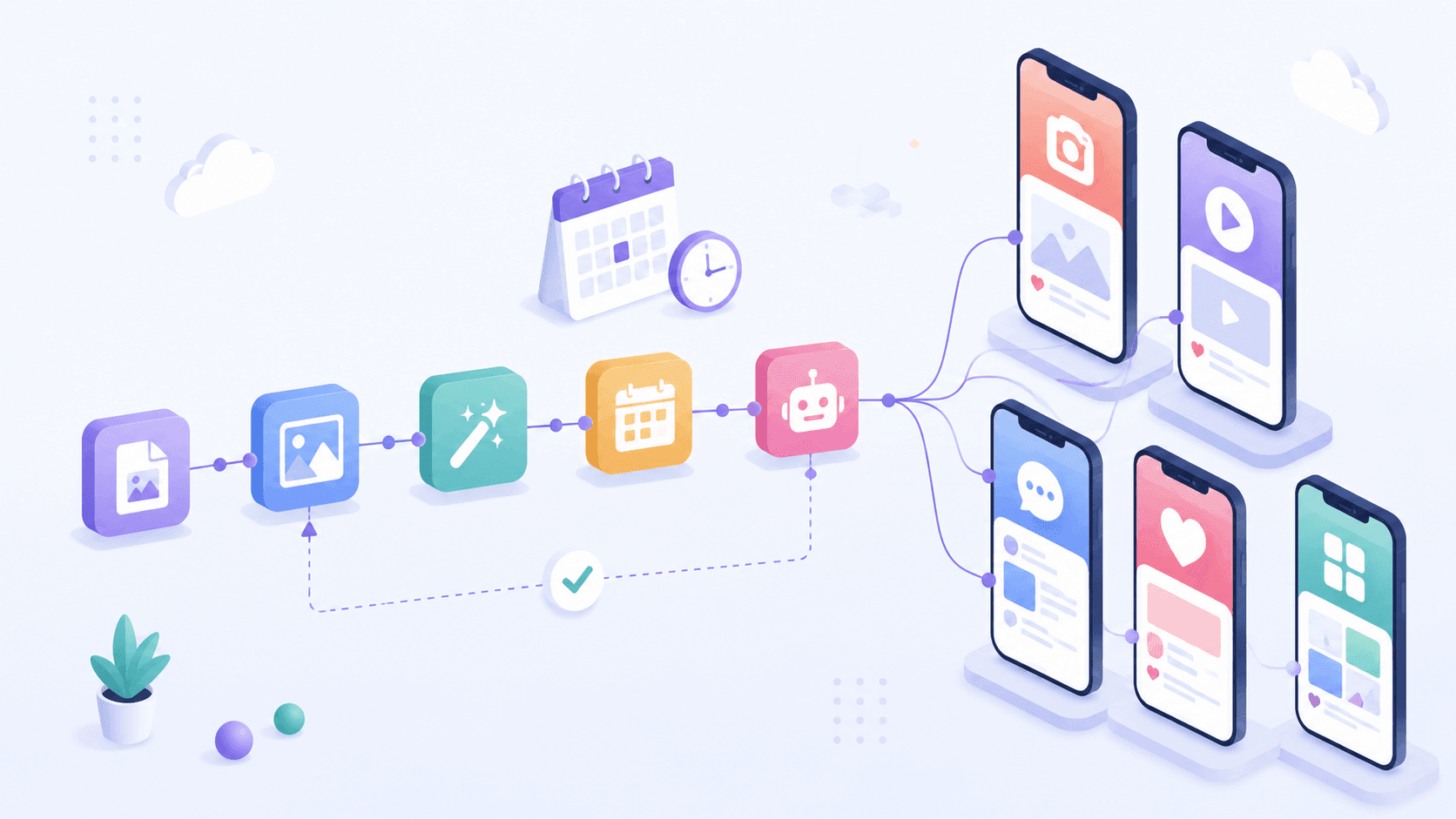
How to Automate Social Media Posting with n8n (Free Templates + Verified Node)
Automate social media posting with n8n: install the verified PostFast node, start from free templates, upload media, schedule carousels, and add approval.
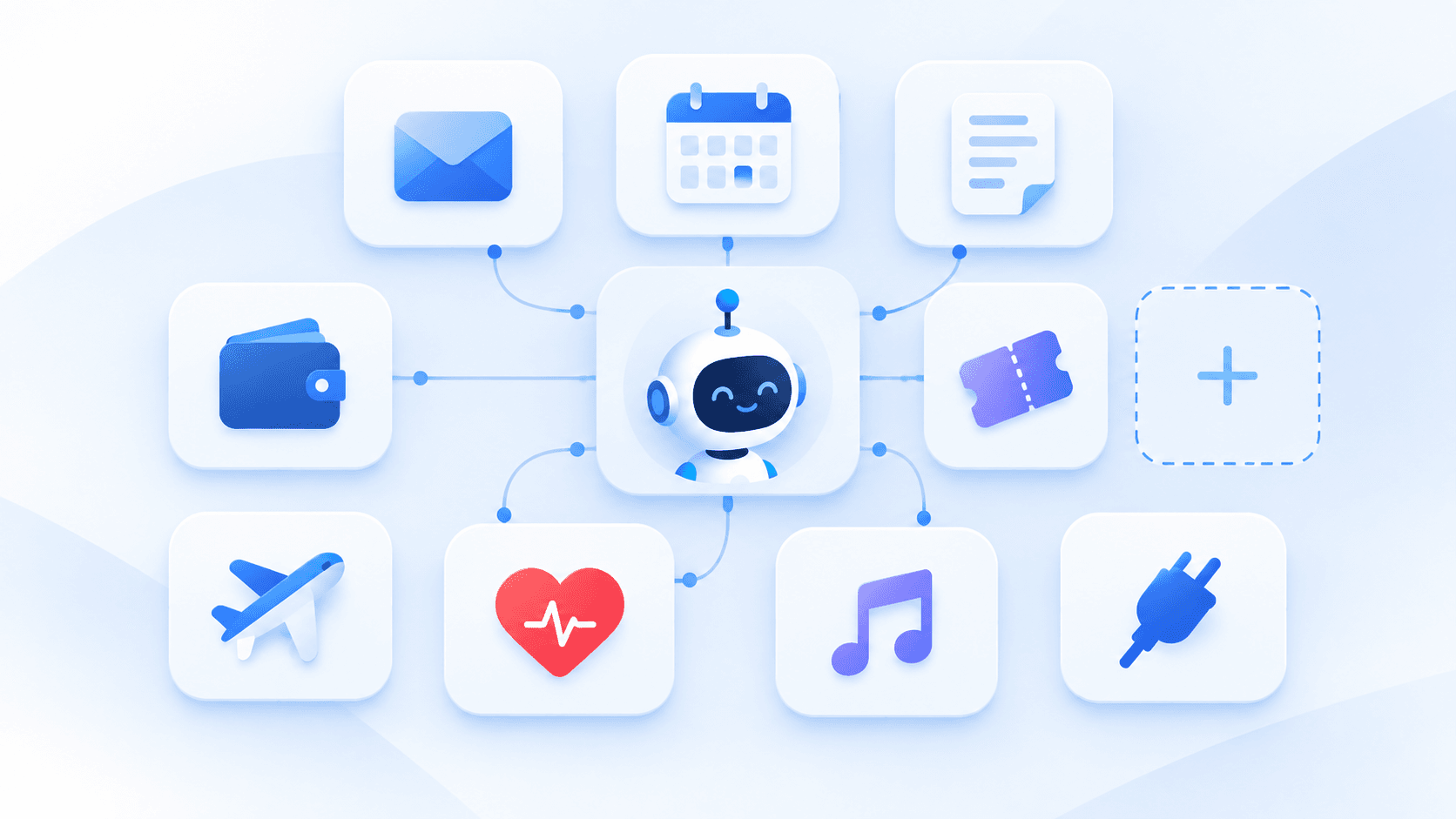
Meta Muse Connectors: The Full List, With Sources (Updated Weekly)
Every Meta Muse connector we can verify: launch connectors, Meta's own apps, additions, announced ones and community-built custom connectors, with sources.