Can ChatGPT Post to Instagram and Facebook? Yes, Here Is How
Yes, with a connected app. Use PostFast to schedule Instagram and Facebook posts, Reels and Stories from ChatGPT, with approval before publishing.
On this page (10)
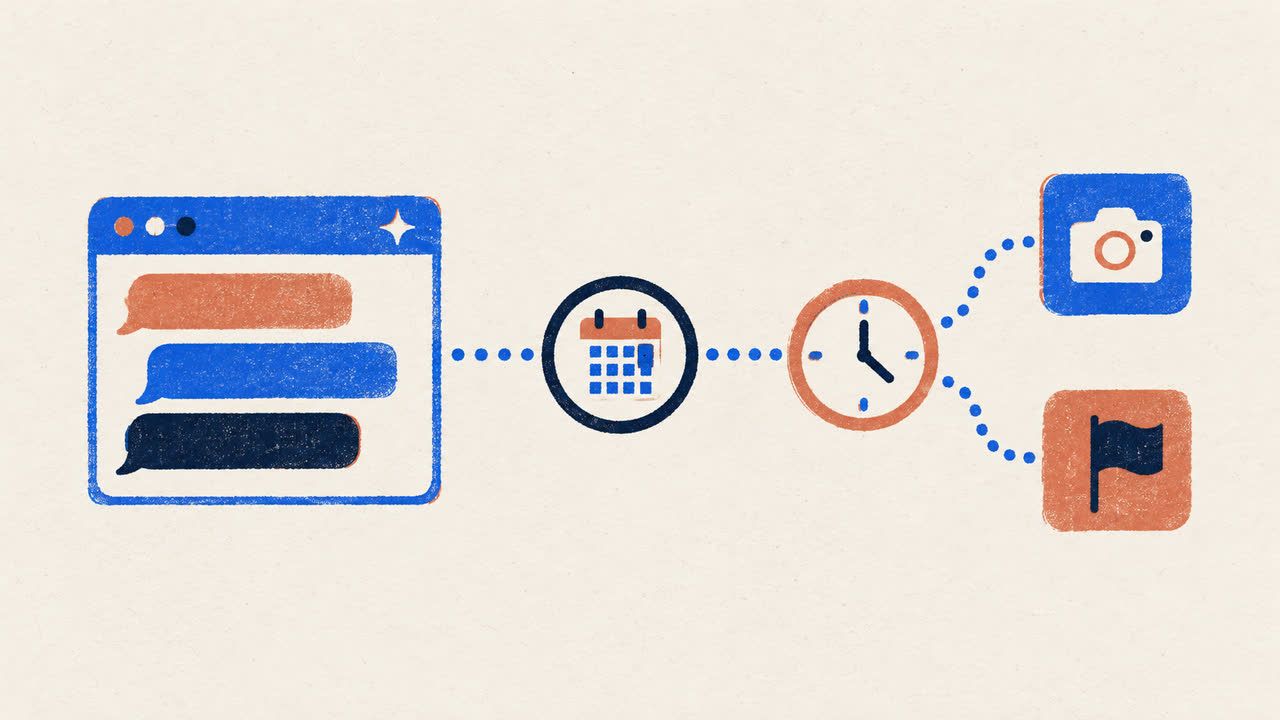
Yes. ChatGPT cannot reach Instagram or Facebook on its own, but with PostFast's app from ChatGPT's directory it can draft, schedule and publish posts to your Instagram Business or Creator account and your Facebook Pages, and every post waits for your yes before it goes out. This guide shows the setup, what works on each network, and where the limits are.
Can ChatGPT post to Instagram or Facebook? The short answer
On its own, ChatGPT writes captions and ideas, and that is where it stops. It has no connection to your Instagram or Facebook account, so "post this for me" ends with text you copy out of the chat.
Apps change that. ChatGPT's app directory lists tools you connect to your own accounts, and PostFast's app is one of them: a scheduler that publishes to eleven networks through the official APIs. Once it is installed, "schedule this Reel for Friday at 6pm and the same photo to my Facebook Page" is a request ChatGPT can carry out. It drafts the post, picks the accounts, attaches the media you give it and schedules the post on hold; it goes live only after you confirm.
Two rules shape everything here. Instagram needs a Business or Creator account, and every Instagram post needs media (a text-only Instagram post does not exist). Facebook posting goes to Pages you manage, not to personal profiles or groups, and a Facebook post can be text only.
Three ways people connect ChatGPT to Instagram and Facebook
Search for how to connect Instagram to ChatGPT and the results fall into three groups:
- Analytics connectors. Tools such as Supermetrics bring your Instagram and Facebook reporting into ChatGPT, and some add ad-campaign actions. Reporting is their job, not your organic posting calendar.
- Automation platforms. Zapier and Make let you chain a ChatGPT step into a publishing step for Instagram for Business or Facebook Pages (IFTTT's Facebook Pages connector publishes too; its Instagram connector only listens). It works, but you build and maintain the workflow yourself, and nothing waits for your approval unless you add that step.
- Apps and connectors inside ChatGPT that publish. You install one from ChatGPT's directory or add it as a connector, sign in once, and schedule from the chat. Several exist, including developer-oriented toolkits; this guide covers the route with PostFast as the app, which is the one we can vouch for.
What you need before you start
- An Instagram Business or Creator account. If yours is a personal account, switch it to Business or Creator in Instagram's settings first. PostFast connects to Instagram directly, with no Facebook Page required.
- A Facebook Page for Facebook posting. PostFast publishes to Pages, not to personal profiles or groups.
- A PostFast account with those accounts connected. PostFast has a 7-day free trial with no credit card, and the ChatGPT app works on every plan. The Instagram integration page and the Facebook integration page list everything PostFast publishes to each network.
- A ChatGPT plan where apps are available. OpenAI says the app directory is visible across ChatGPT plans, and that whether you can install or use an app depends on your plan, workspace settings, role, region and the surface you use. In Business, Enterprise and Edu workspaces an admin may need to allow the app first.
How to connect ChatGPT to Instagram and Facebook with PostFast
You connect Instagram and Facebook once inside PostFast, then connect PostFast to ChatGPT. With the accounts in place, the ChatGPT side takes about two minutes.
Step 1: Connect your accounts to PostFast
Create your PostFast account, add Instagram and sign in with your Instagram Business or Creator login, then add Facebook and pick the Pages you manage. Each connected account gets its own entry in PostFast, which is what lets ChatGPT ask "which one?" when you post. When an Instagram account is first connected, PostFast imports the posts published on it in the last 60 days in the background, so reporting covers your recent posts too.
Step 2: Install PostFast from ChatGPT's app directory
Open the PostFast listing in the ChatGPT app directory (the button on the ChatGPT page takes you there), click Install, and sign in to PostFast when ChatGPT asks. No API key, no client secret: the sign-in is OAuth on PostFast's own screen, and PostFast never holds your Instagram or Facebook password either, because those logins happened on Instagram and Facebook in step 1. Installing from the directory does not need Developer mode.
Step 3: Ask for your first post
Start a new chat and ask:
"List my PostFast accounts, then schedule this photo to Instagram and my Facebook Page for tomorrow at 9am with a caption about our new opening hours."
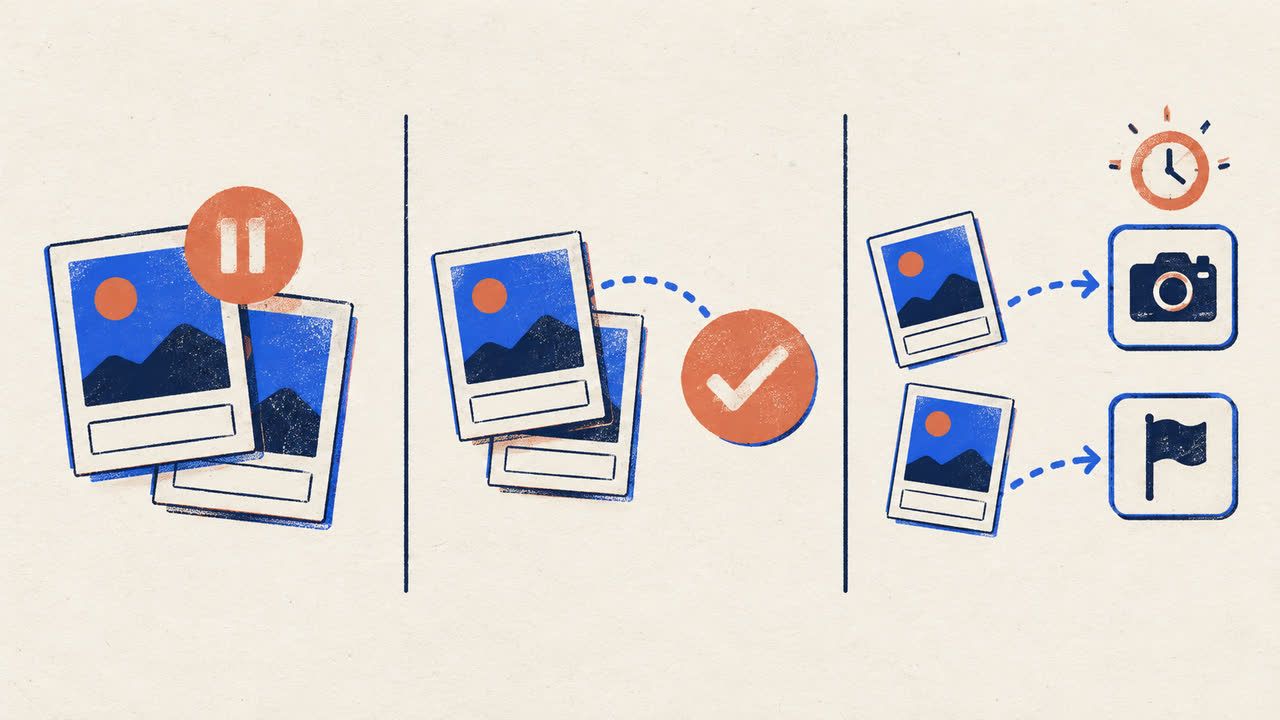
ChatGPT lists the connected accounts, uploads the photo, writes the two posts and schedules them on hold. It then shows you the accounts, the time and the captions. Say yes and the posts are approved; at 9am PostFast publishes them directly, with no notification to tap on your phone.
Prefer to add it manually?
The same hosted connector can be added by URL. In ChatGPT open Settings, then Apps (older interfaces say Connectors or Apps and Connectors), open Advanced settings and turn on Developer mode. Under Apps choose Create, give the connector a name, paste https://mcp.postfa.st/mcp, and approve the OAuth sign-in. In a Business workspace an owner or admin adds it; in Enterprise and Edu workspaces you need the permissions your admin grants, and adding a URL does not get around an app block your admin has set. For now this is also the route that includes the comment tools: the published directory app asks for a reduced set of permissions that leaves them out, and an updated version is with OpenAI for review.
What ChatGPT can do on Instagram and Facebook once connected
Instagram. Feed posts with one image or video, carousels of up to 10 images and videos mixed, Reels, Stories and trial Reels, to a Business or Creator account. Captions up to 2,200 characters with at most 5 hashtags. A single video posted to the feed publishes as a Reel. Per post you can add up to three collaborators, tag a location on single-image, video, Reel and Story posts (not on carousels), mark the media as AI-generated (Instagram's "AI info" label, set at creation and not changeable afterwards) and have a first comment posted automatically about ten seconds after publishing. Trial Reels need a public Professional account with at least 1,000 followers and cannot be combined with collaborators. Links in Instagram captions are not clickable, so ChatGPT points people to the link in your bio instead.
Facebook Pages. Text posts, up to 10 images or one video, link carousels with a main link, Reels and Stories. A first comment, comments on or off per post, and, for feed posts only, the audience limited to up to 25 chosen countries. Posting goes to Pages only.
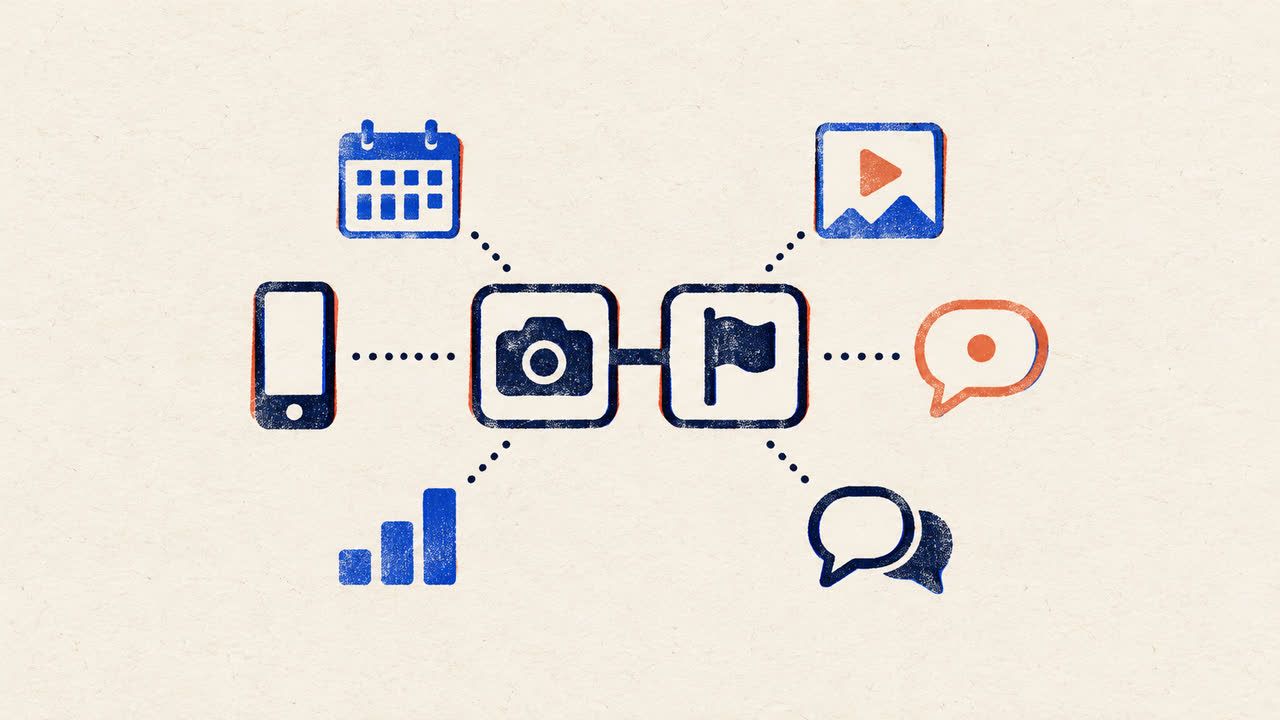
Both. ChatGPT can schedule up to a year ahead, create the Instagram and Facebook versions of a post in one batch with different captions, save a post as a draft, delete a scheduled post before its time, and switch between workspaces if you manage several brands or clients. The Claude for social media guide carries the limits for all eleven networks the same app covers.
Reporting. For published posts ChatGPT can pull impressions, reach, likes, comments and shares where the network reports them, plus watch time for Reels and Facebook videos, and a daily follower-count history for each account from the day tracking starts. The best time to post on Instagram and best time to post on Facebook guides, built from PostFast's own posting data, answer the timing question.
Comments. PostFast's Social Inbox collects the comments on your Instagram posts and Facebook Pages. Through the manually added connector, ChatGPT can list unanswered comments, draft replies and send each one after you have seen and approved it, and on Instagram send one private reply per comment, within seven days of the comment. The one-click directory install does not include these tools yet.
Prompts to try
- "Turn this blog post into an Instagram carousel caption and a shorter Facebook Page post, schedule both for Thursday at 10am, and add our standard hashtags as the first comment."
- "Schedule this video as an Instagram Reel on Saturday at 7pm, share it to the grid, and post the same video to my Facebook Page as a Reel."
- "How did last month's Instagram posts do? Which three had the highest reach?"
- "Show me my content calendar for next week."
Every post waits for your yes
In ChatGPT, PostFast creates new posts on hold. ChatGPT shows you what will be posted, where and when, and the post is approved only after you confirm, which is the same post approval flow teams use inside PostFast. OpenAI adds its own layer: depending on your app permission settings, ChatGPT may ask for approval before an app reads information or takes an action. If you change your mind, ask ChatGPT to delete the post before its time, or edit it in PostFast's calendar.
Can ChatGPT automate social media posts?
It can schedule them. Give it a week of ideas and the media, and it creates the posts, spreads them over the calendar and schedules each one. What it does not do is run unattended: every post is created on hold and publishes only after your yes, so there is no autopilot that posts whatever the model comes up with. ChatGPT's own scheduled tasks can run work on a timer, including actions through connected apps, but publishing to Instagram or Facebook still needs a publishing app connected and your approval where the app asks for it.
What it cannot do
- Personal Instagram accounts, Facebook profiles and groups. Instagram's API supports Business and Creator accounts; Facebook publishing through the API goes to Pages.
- Post to Instagram without media. There is no text-only Instagram post, and PostFast refuses an Instagram post without media even as a draft, so ChatGPT will ask for the image or video first.
- Direct messages and ads. The inbox covers comments and Instagram private replies to commenters; Instagram DMs, Messenger and ad campaigns are outside what ChatGPT can reach through it.
- Comments from the one-click install. Until the updated app clears OpenAI's review, the comment tools need the manually added connector.
- Generate video. ChatGPT can write the caption and the script; the video has to exist before you ask.
Is it safe to connect ChatGPT to Instagram and Facebook?
- You sign in on PostFast's own screen using OAuth. No password, API key or client secret goes into the chat, and the Instagram and Facebook logins happen on Instagram and Facebook.
- It publishes through the official APIs, the route Meta provides for scheduling tools, not by driving your browser or scraping.
- Permissions stay with you. PostFast checks your workspace permissions on every request, so ChatGPT can only do what your PostFast user can do, and ChatGPT's app permission settings decide when it asks you before an action.
- You can disconnect at any time, from ChatGPT's settings or from PostFast.
- Workspace data. OpenAI says that for ChatGPT Business, Enterprise and Edu customers, information accessed through apps is not used to train its models by default. For other plans, check your own data controls in ChatGPT's settings.
Does this work in Claude?
Yes. The same PostFast connector is in Claude's directory, with the same approval step. The setup for each network is in how to connect Claude to Instagram and how to connect Claude to Facebook.
Frequently Asked Questions
Can ChatGPT post to Instagram?
Not on its own. With PostFast's app from ChatGPT's directory, ChatGPT can draft, schedule and publish feed posts, carousels, Reels and Stories to an Instagram Business or Creator account, and every post is approved only after you confirm.
Can ChatGPT post to Facebook?
Yes, to Facebook Pages, through a connected app such as PostFast: text posts, photos, link carousels, Reels and Stories, scheduled from the chat and published after your yes. Personal profiles and groups are not supported by the API route.
Can ChatGPT automate social media posts?
It can schedule a whole week or month of posts through a connected scheduler, but it does not run unattended. Each post waits for your approval before it publishes.
Do I need an Instagram Business account?
Yes, Business or Creator. Instagram's API does not support personal accounts. You can switch a personal account to Business or Creator in Instagram's settings, then connect it to PostFast. No Facebook Page is required for the Instagram connection.
Does it cost extra?
No. The ChatGPT app is included on every PostFast plan and on the 7-day trial, which needs no credit card. On the ChatGPT side, OpenAI decides app availability by plan, region, workspace and role.
Is there a ChatGPT plugin for Instagram?
The integrations you will find fall into analytics connectors, automation platforms and publishing tools, and several of them can publish. PostFast connects ChatGPT to Instagram publishing through its own app in ChatGPT's directory, with every post approved by you before it goes out.
Can I connect Instagram to ChatGPT just for analytics?
Yes. Through PostFast, ChatGPT reports on the posts published through it and on the last 60 days of posts imported when the account is connected. Dedicated analytics connectors go deeper on reporting if that is all you need.
Related
Instagram scheduling with PostFast
Feed posts, Reels, Stories, carousels
How to Schedule Instagram Stories on Desktop in 2026
Yes, you can schedule Instagram Stories from your laptop without the mobile app. Step-by-step guide with auto-publish and cross-posting to TikTok and Reels.
The PostFast MCP server for Claude and ChatGPT
Claude, ChatGPT, Cursor
How to Connect Claude to Instagram: Post, Schedule, Reply
Connect Claude to Instagram so it can schedule posts, Reels and Stories, answer comments and report post stats. Setup steps, prompts that work, and limits.
8 Instagram Bio Tips to Hook New Followers (2026)
Your Instagram bio has 7 seconds to make a first impression. 8 proven tips with examples for creators, bloggers, and businesses.
A Complete Guide to Creating Videos for Instagram That Convert
Master videos for Instagram with our complete guide. Learn formats, specs, creative tips, and how to schedule Reels to grow your audience and convert followers.
How to Connect Claude to TikTok: Connector Setup, Videos, Photo Posts and Drafts
Connect Claude to TikTok with a connector: schedule videos and photo posts, pick a sound, send posts to TikTok drafts and answer comments from a chat.